Press kit
For writers, reviewers and video makers. Everything on this page may be used in coverage of the app, as the rights below describe. For questions, write to contact@loupfreres.com.
About the app
The Loup Frères Island is an AI roleplay app for Android, Windows and Linux. Players create characters and talk with them, and the app gives each character a long-term memory of the story, private reflections on what happened, and a narrator who plays everyone else in the scene. Players bring their own AI: a key from a provider such as OpenRouter, NanoGPT or Gemini, or a model running on their own computer. Characters and chats are stored on the player's own devices. The Android app is native, not a web page in a wrapper. It is free during the Open Beta.
Facts
- Name: The Loup Frères Island
- Developer: Loup Frères (Saint Aurelius)
- Platforms: Android 7.0 or newer; Windows 10 and 11, 64-bit; Linux, 64-bit AppImage
- Price: free during the Open Beta; the app becomes paid when the beta ends
- Latest version: 1.25.1, released October 22, 2026
- Website: loupfreres.com
- Community: Discord
- Contact: contact@loupfreres.com
Rights
The key art, the app icon and the character art are copyright © 2026 Loup Frères. You may use them, and the screenshots, to write about, review or show The Loup Frères Island. You may not use them in your own game, app, story, cover or merchandise, or in any other project, alter them into new artwork, or use them to train or prompt an AI model.
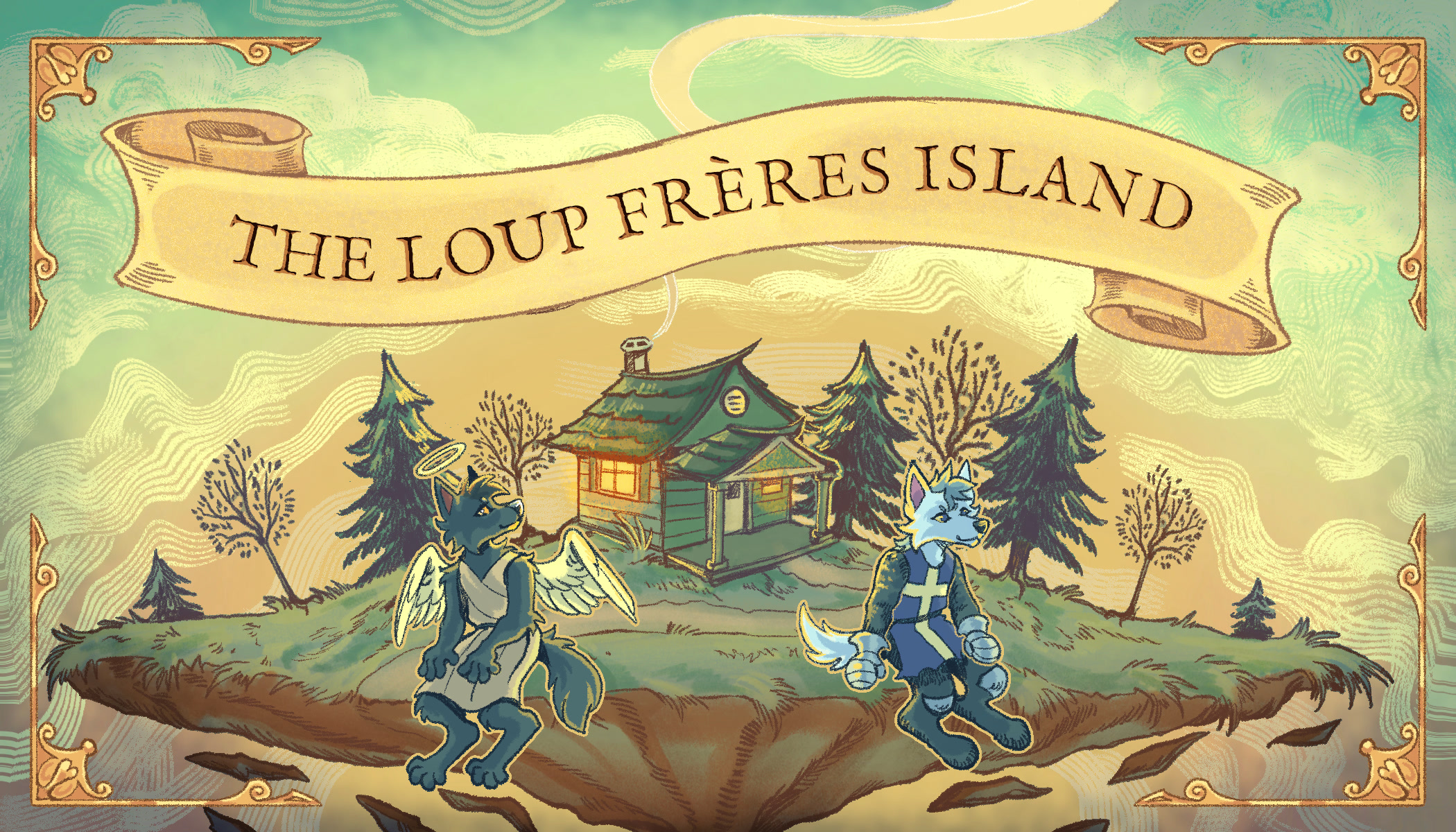
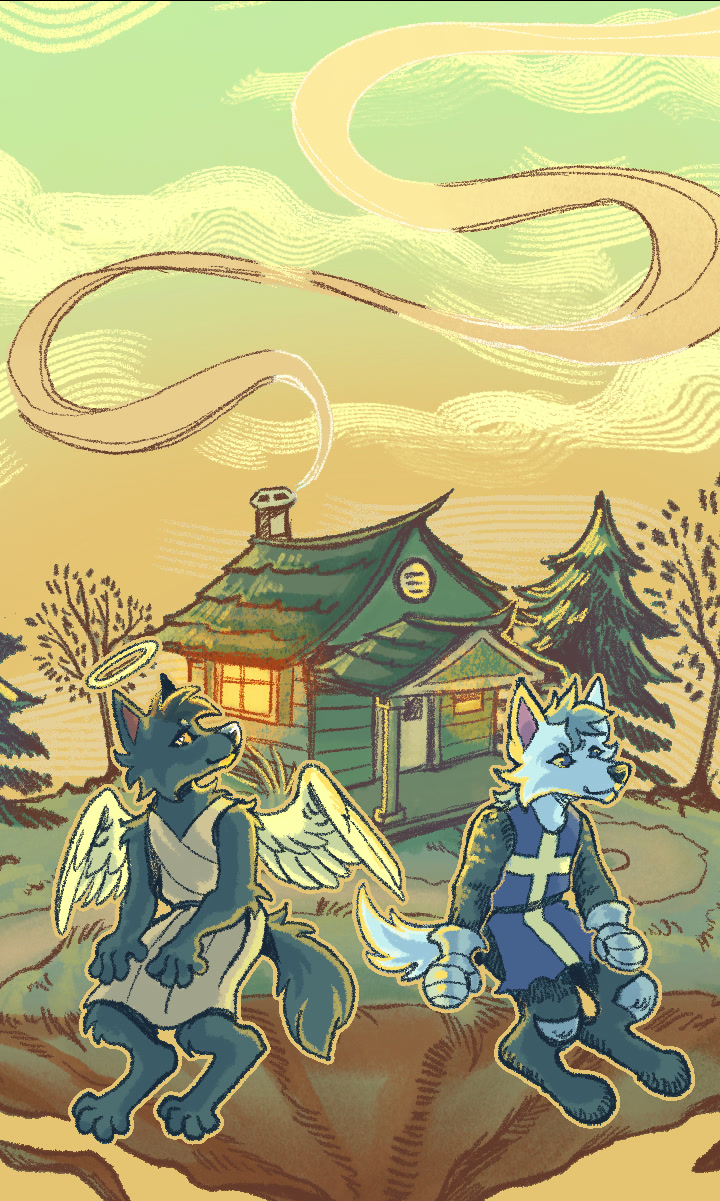
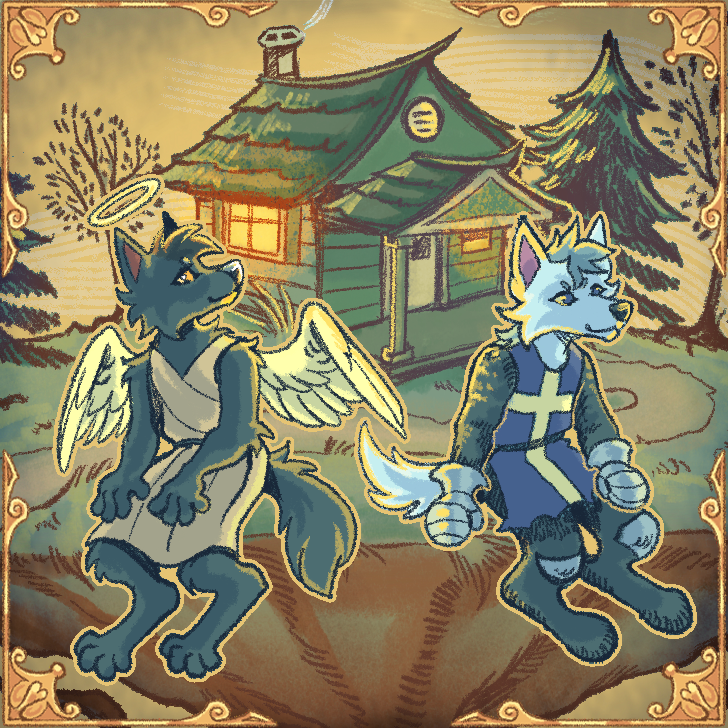
Aurelius™ and Nicholas™, the two wolves on the cover, are trademarks of Loup Frères.
Pictures
Full size, for coverage of the app under the rights above. Click a picture to see it full screen. The character art has a transparent background, and the ZIP includes these rights as USAGE.txt.
Key art
-
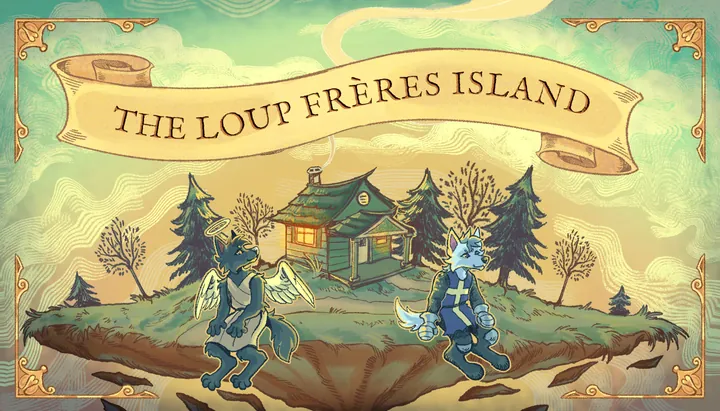
The title card: Aurelius and Nicholas before their cabin on a floating island, with the name on a scroll above them.
-
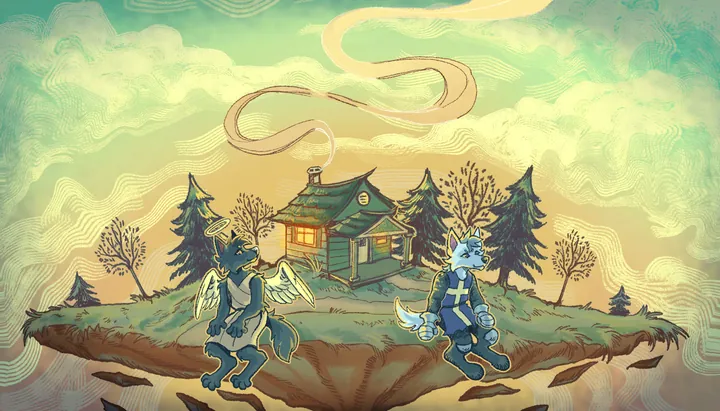
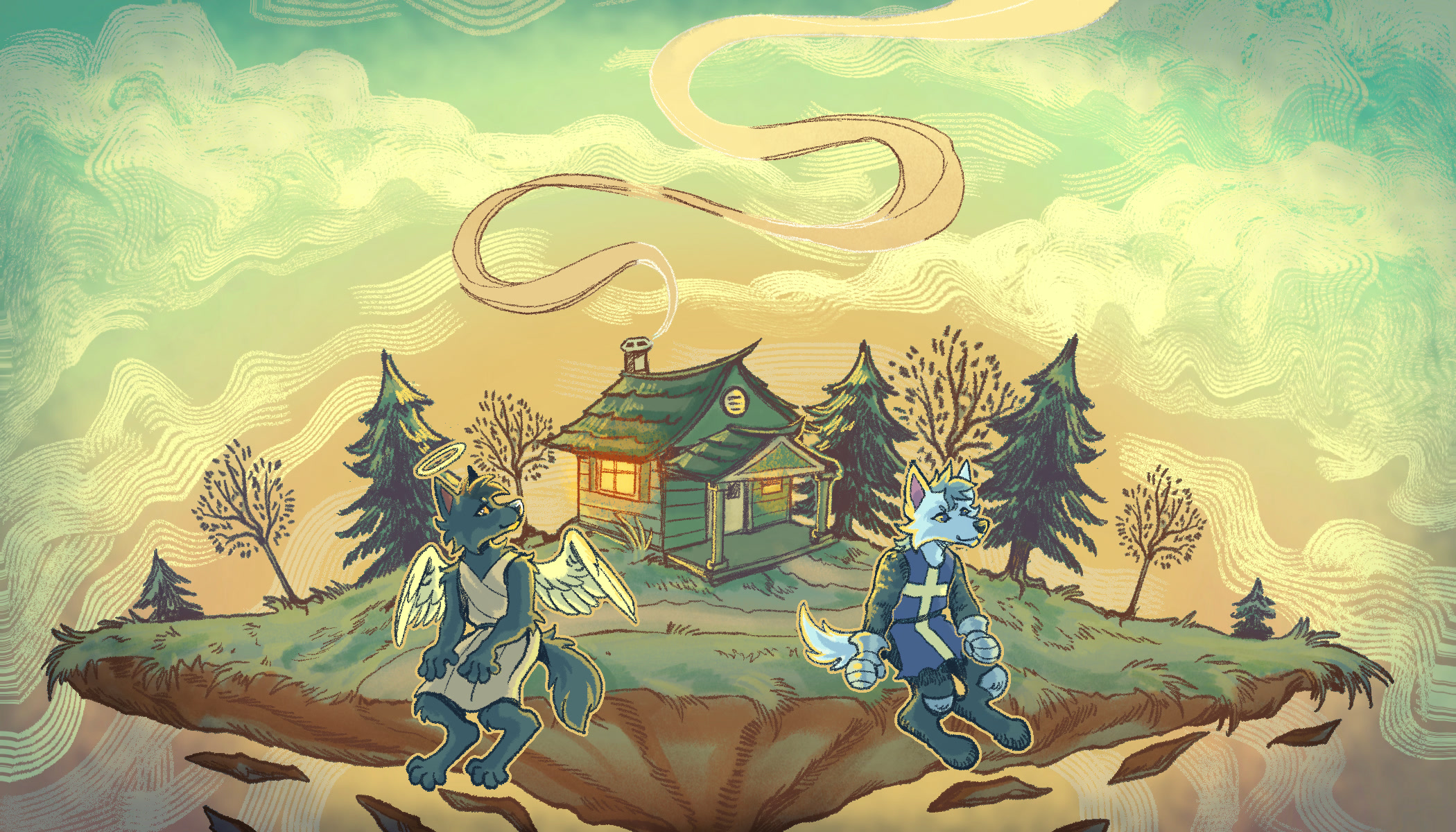
The key art without the title, as the app's loading screen on a computer: Aurelius and Nicholas on their island.
-
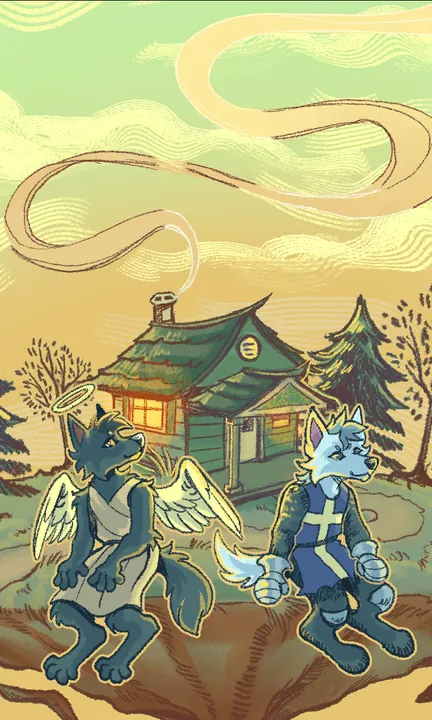
The key art in portrait, as the app's loading screen on a phone.
-
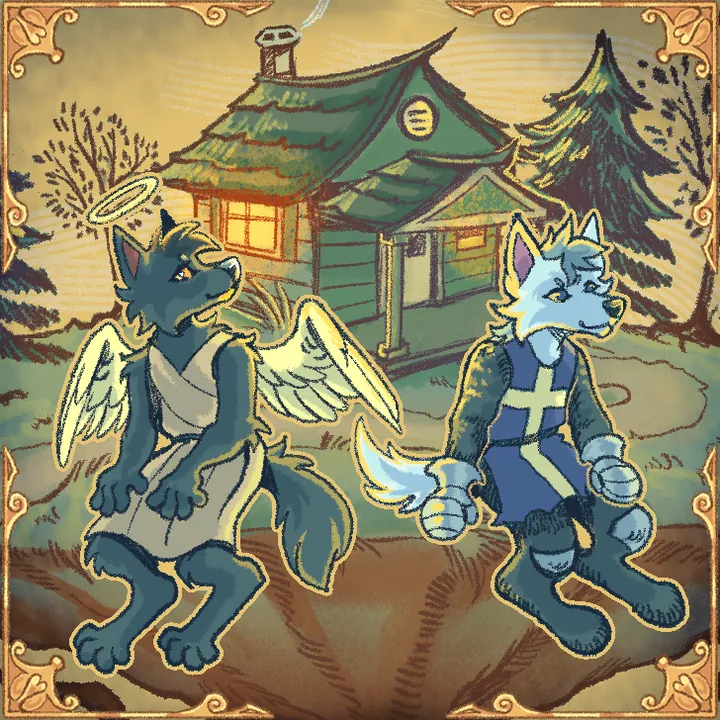
The app icon: the same scene in a gold frame.
Characters
-
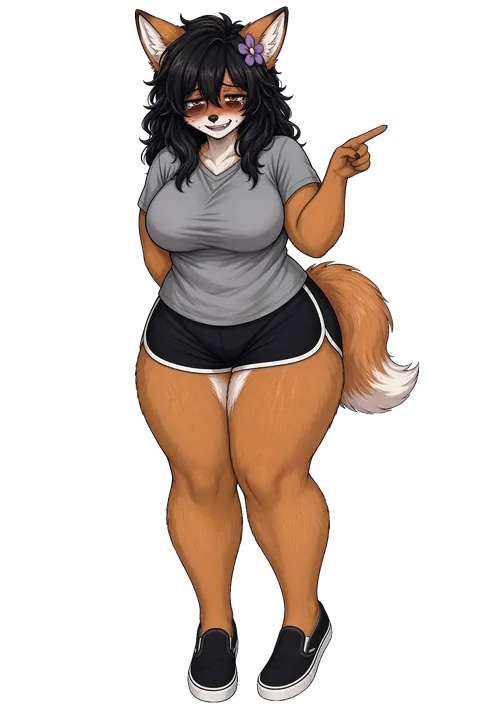
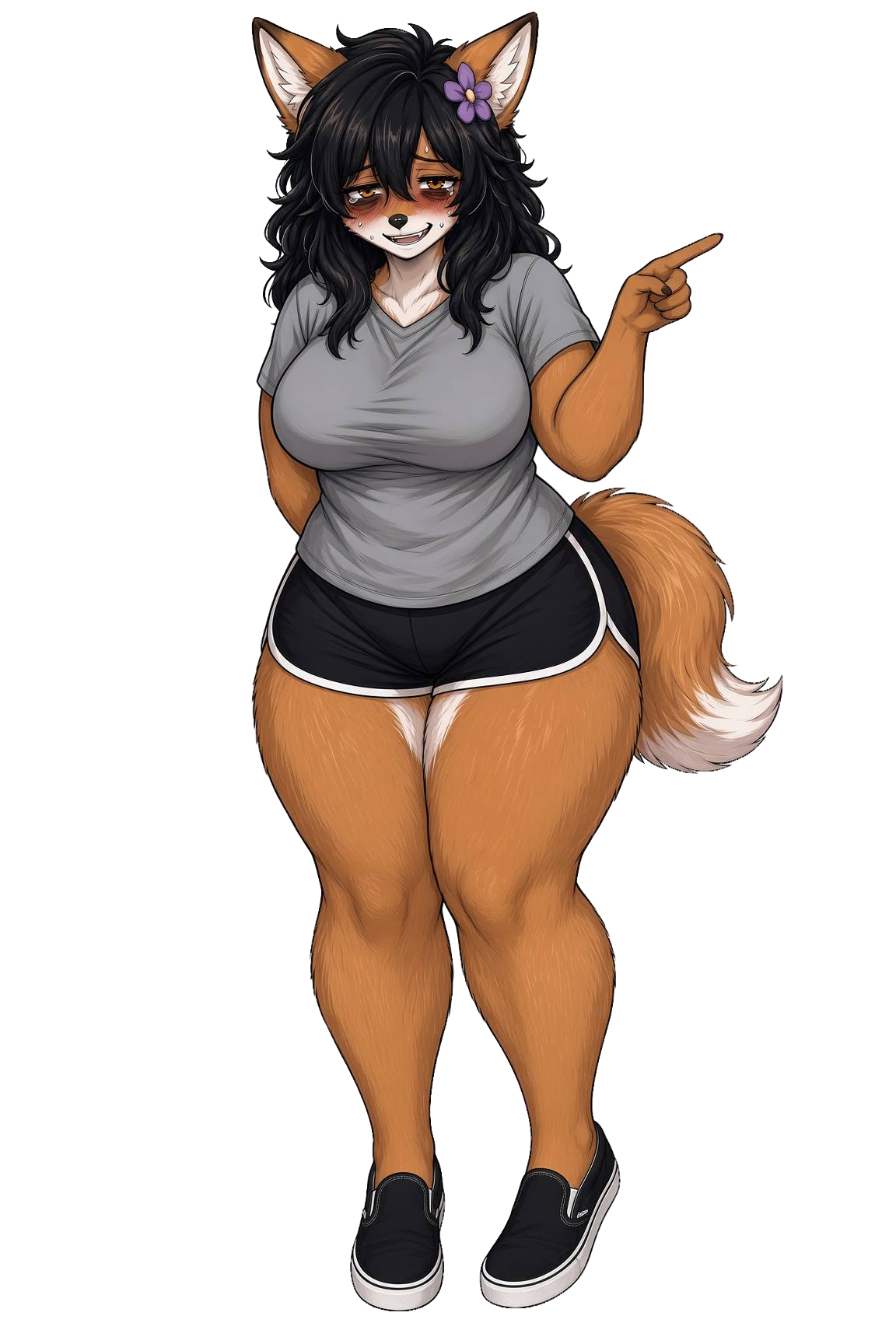
Mabel, the island's fox, pointing.
-
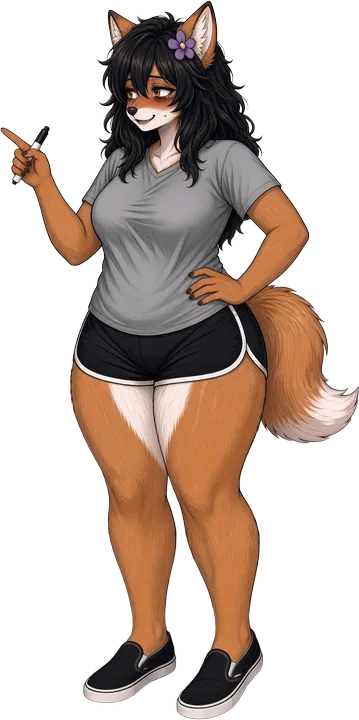
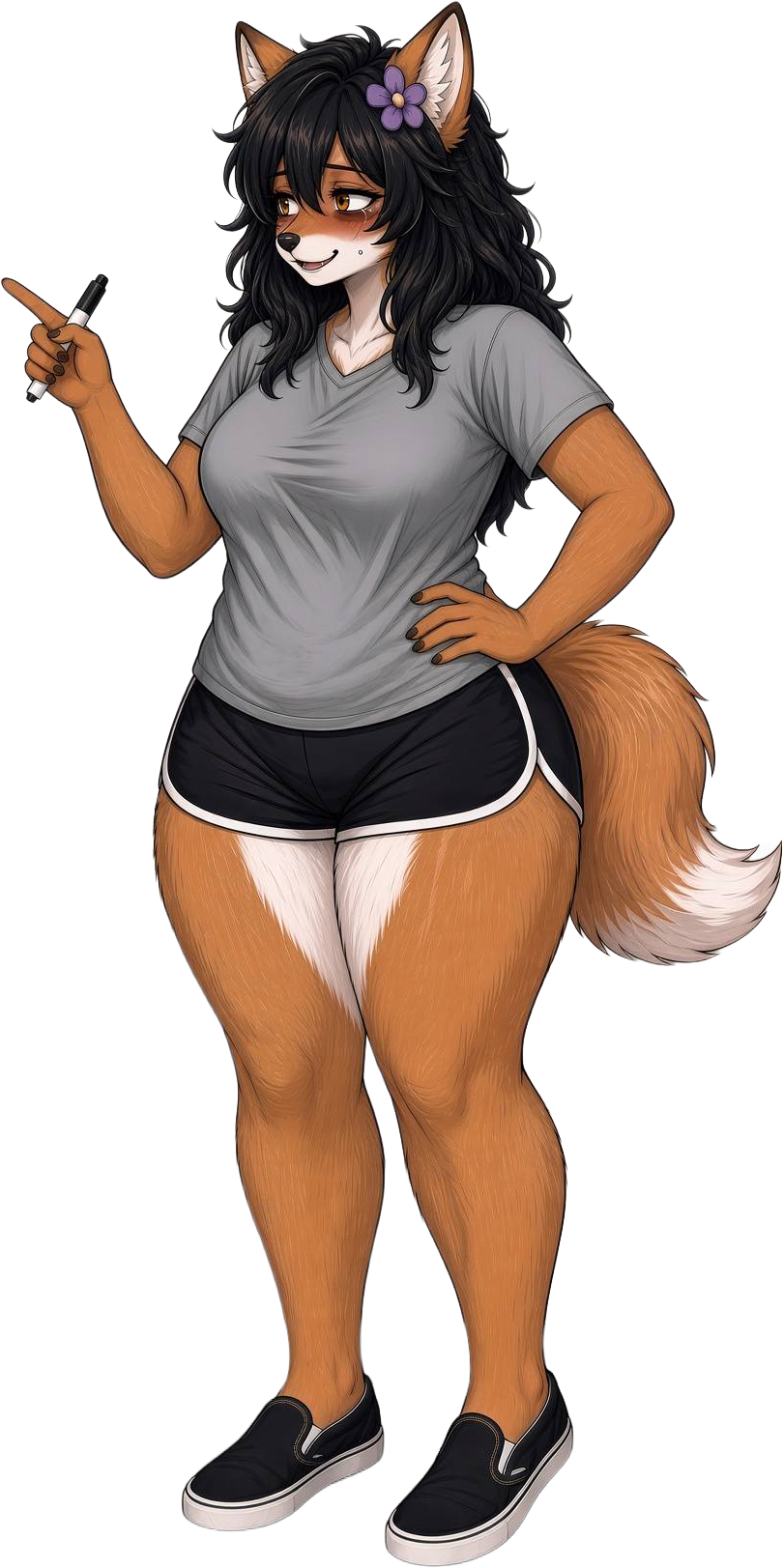
Mabel pointing with her marker.
-

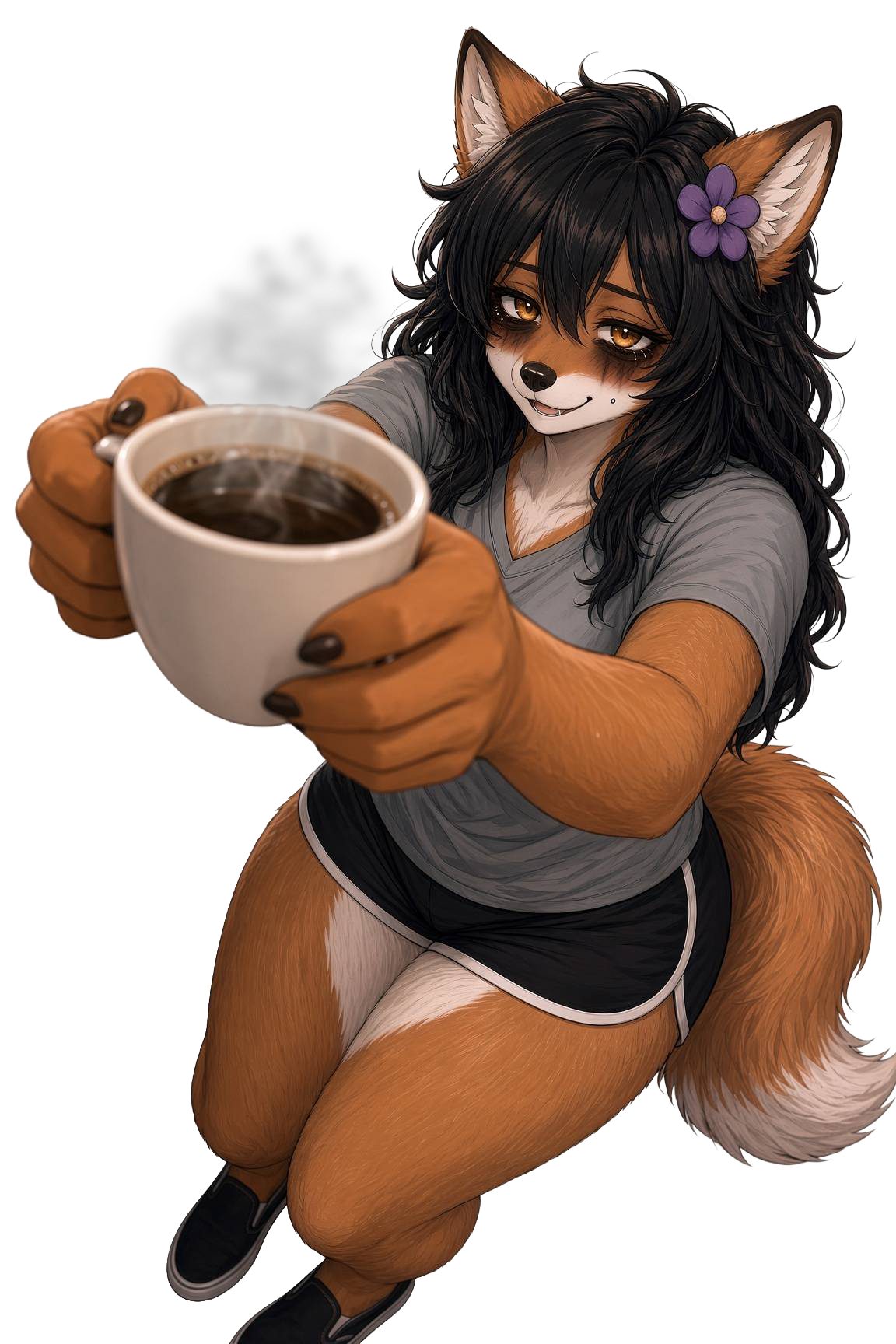
Mabel offering a cup of coffee.
-
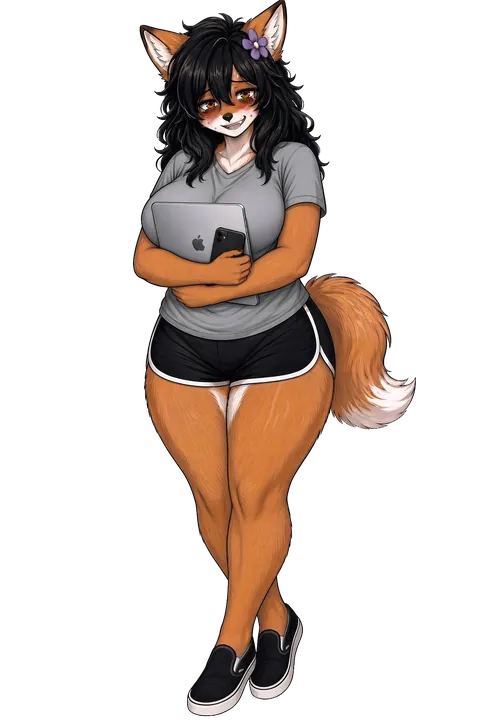
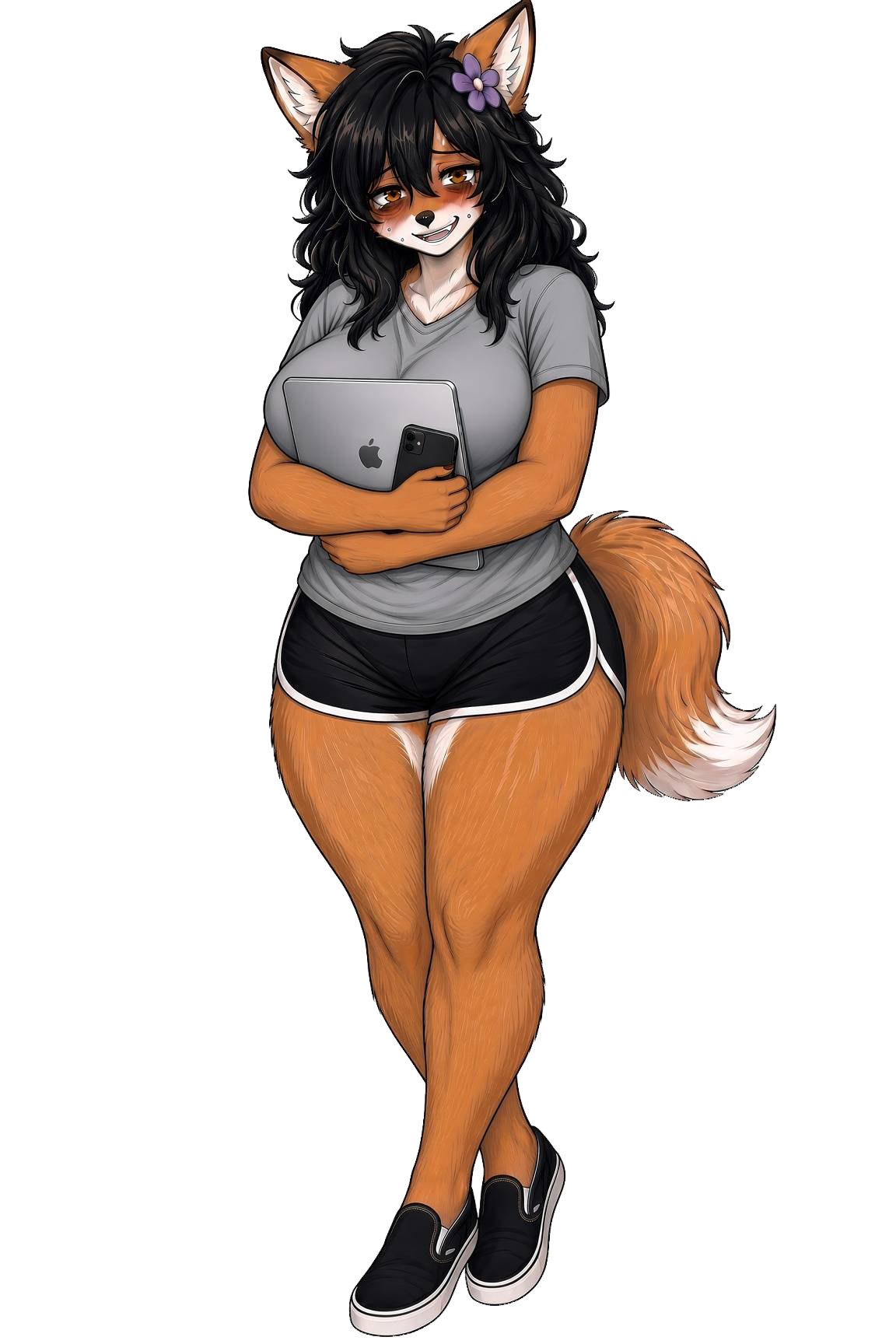
Mabel with her laptop and phone.
-
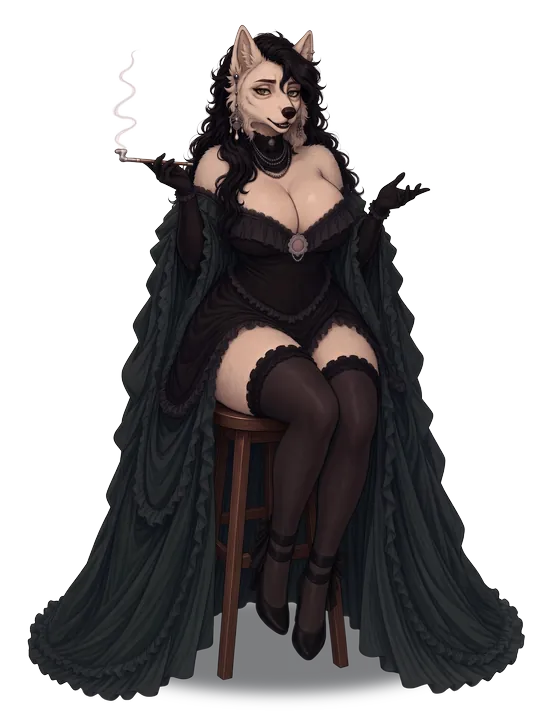
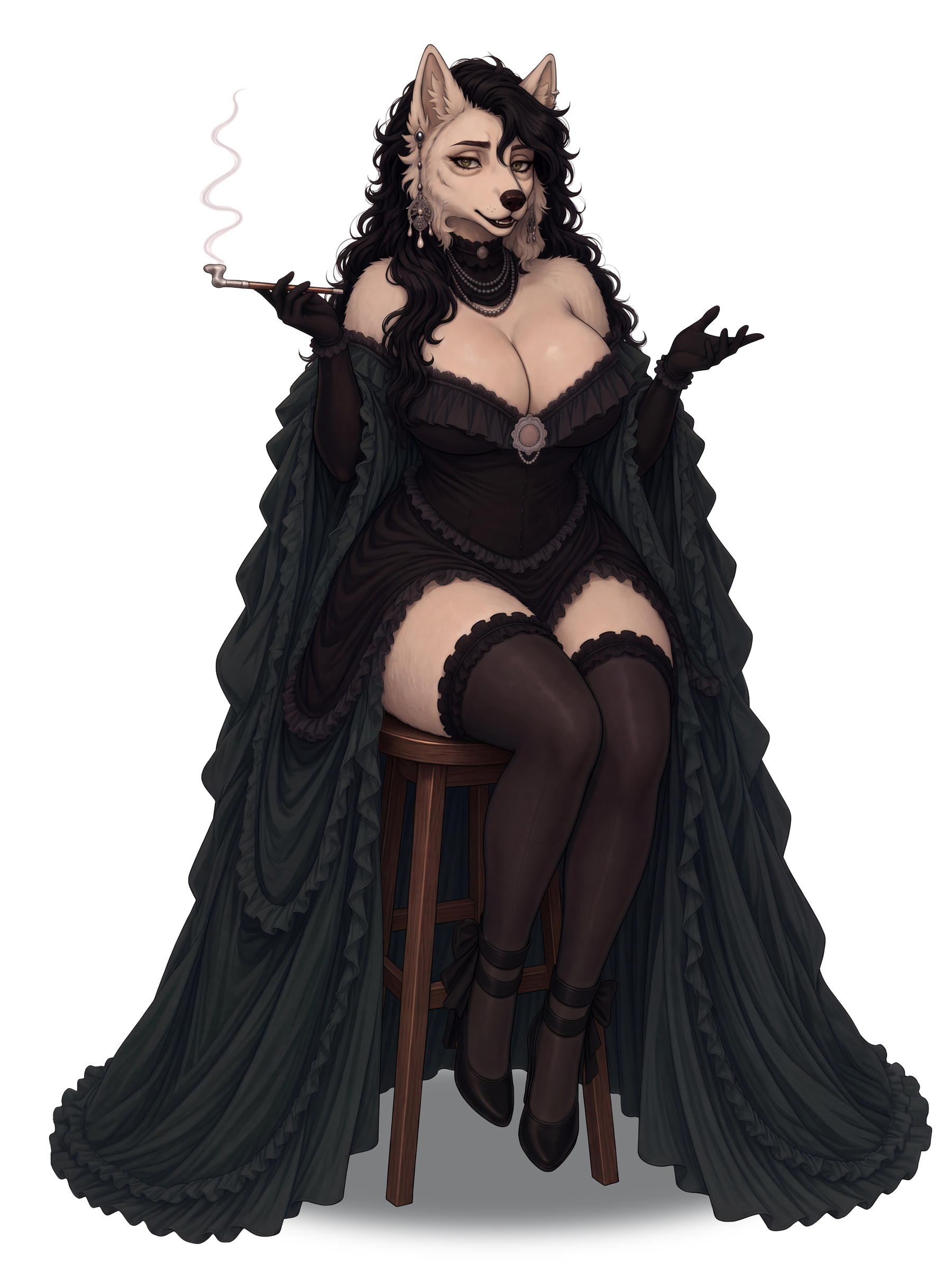
Dr. Mireille Valois, who explains on the website what the app is.
-
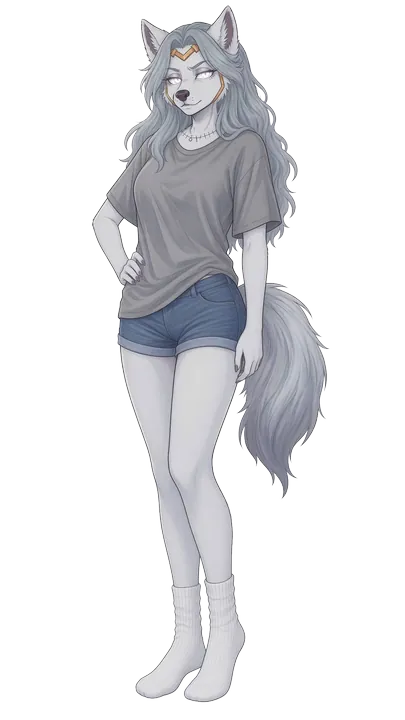
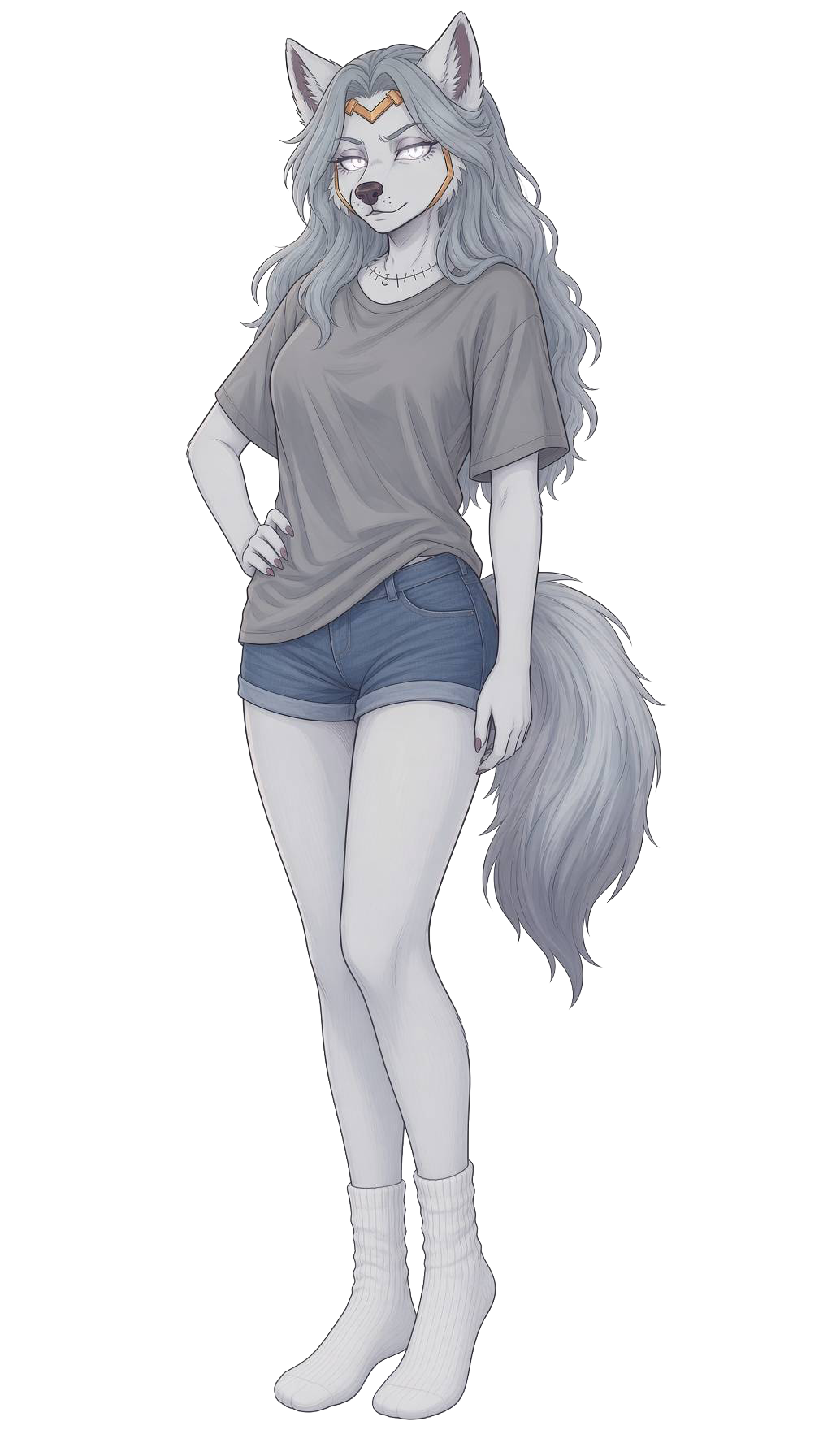
Vyeria, who explains how a character remembers.
-
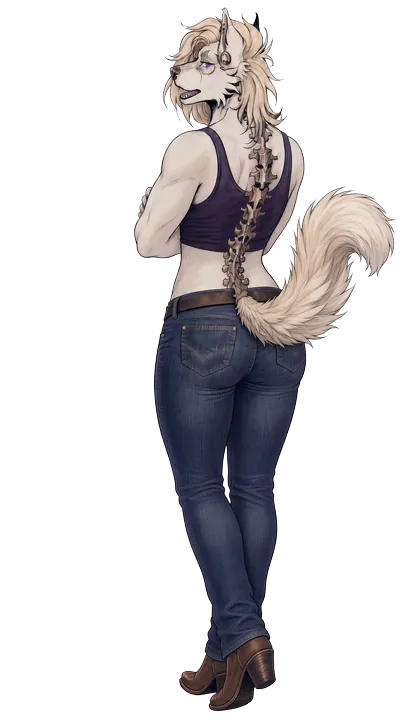
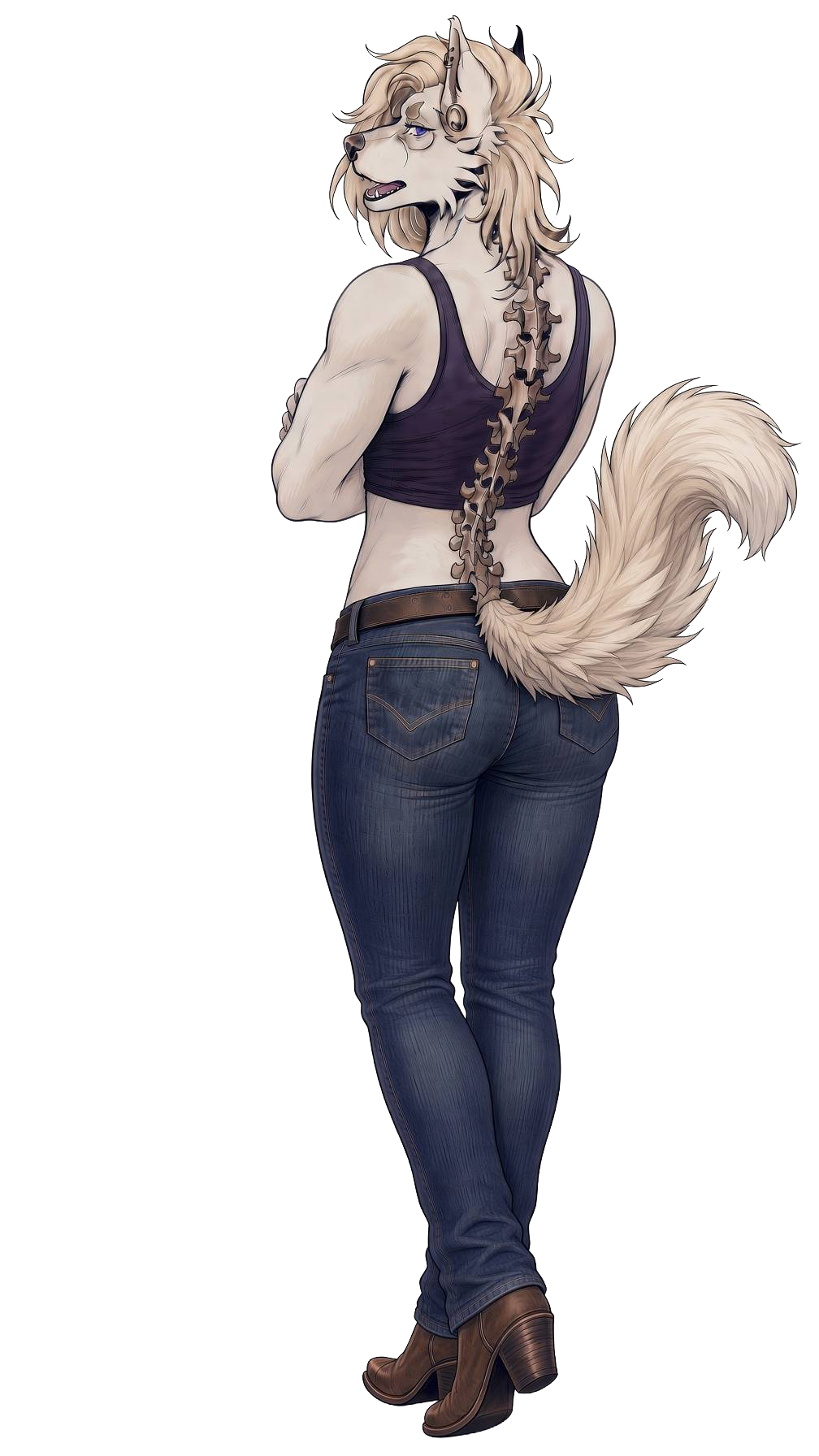
Nicole, who explains how a character stops to think.
On Windows
-
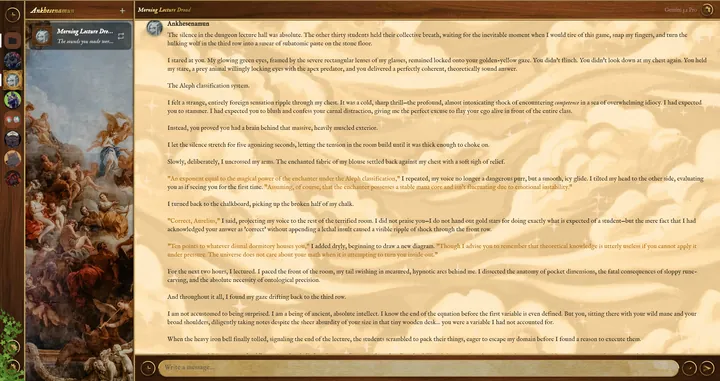
A chat on Windows: the characters on the left, their timelines beside them, and the conversation.
-
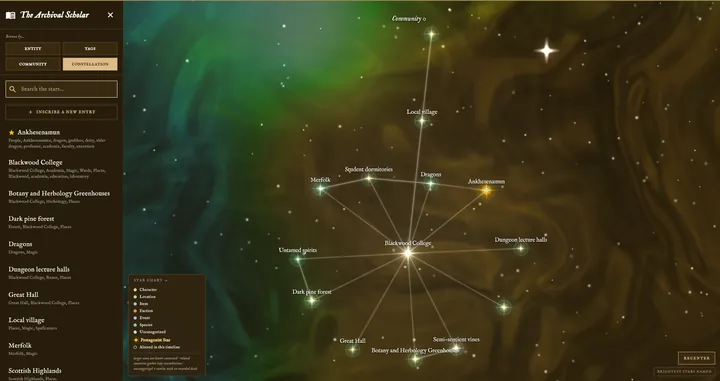
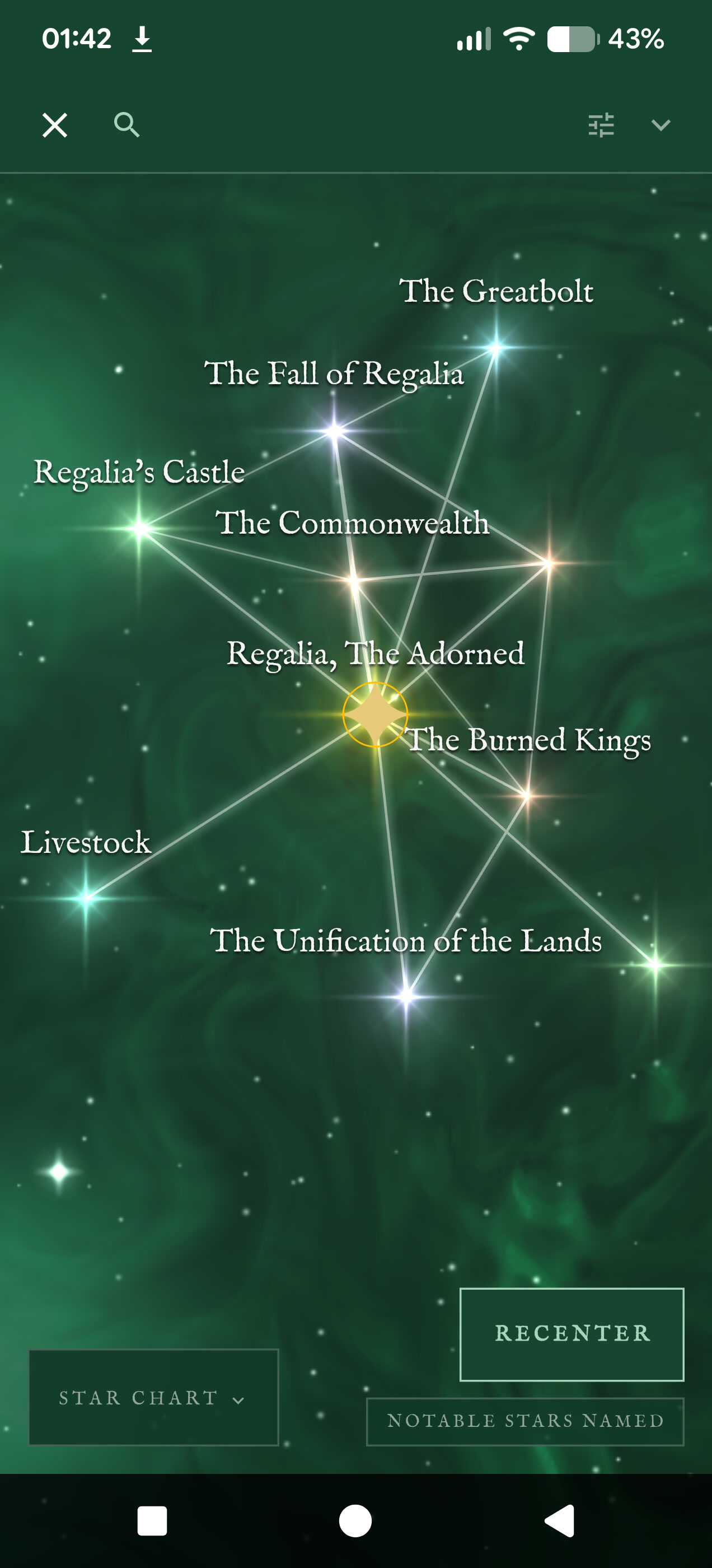
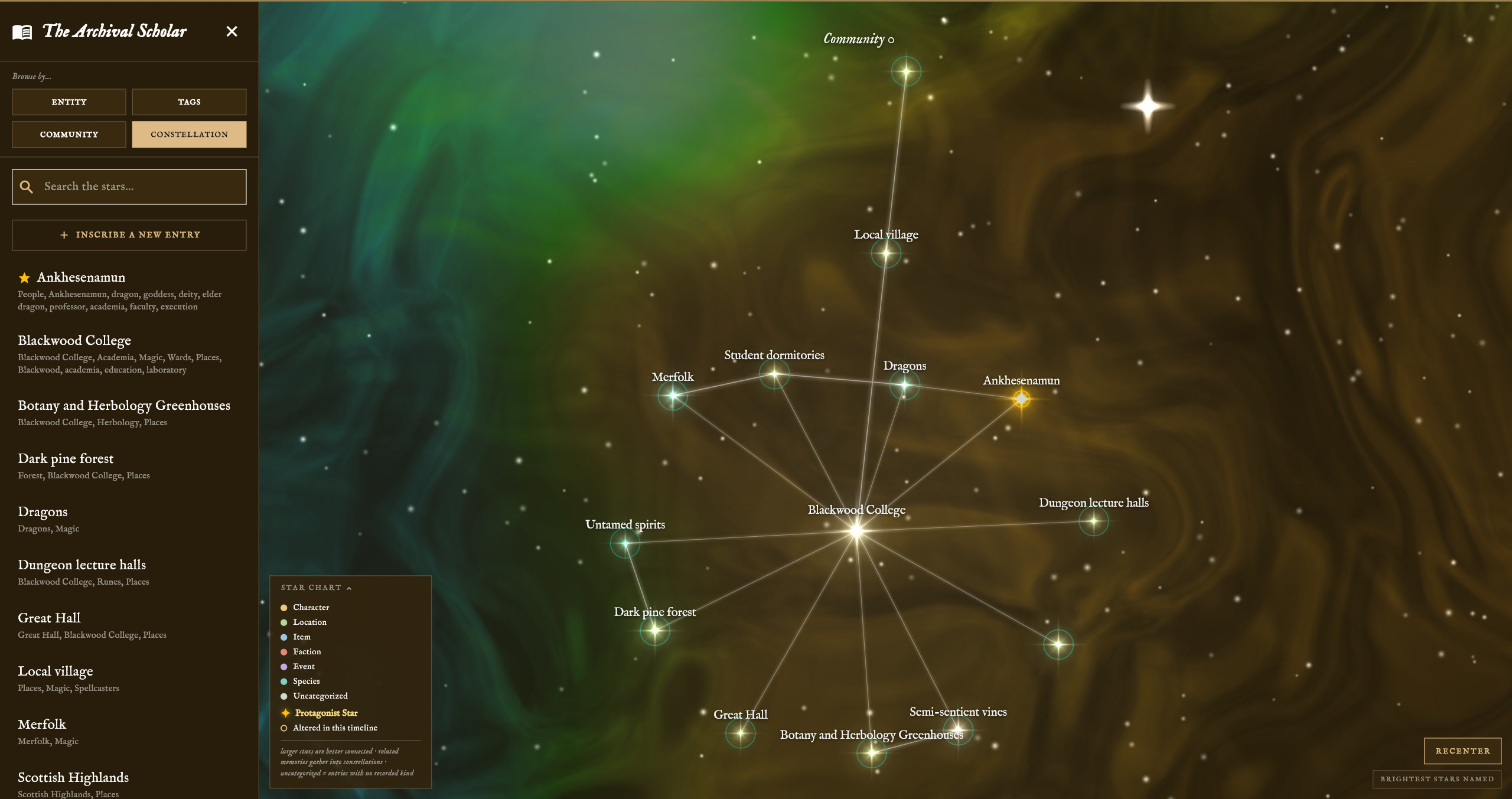
A character's knowledge graph as a star chart, with every place, person and thing joined by what connects them.
-
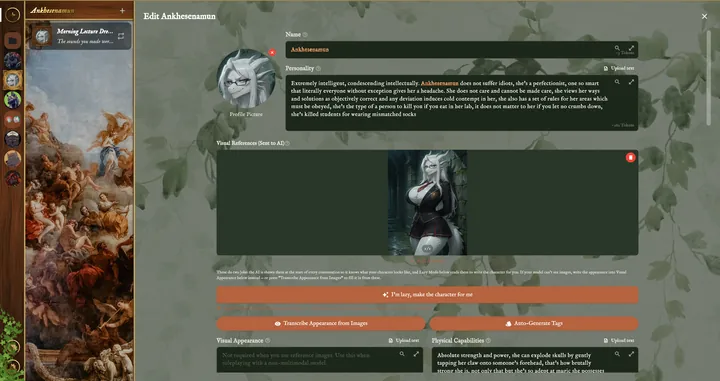
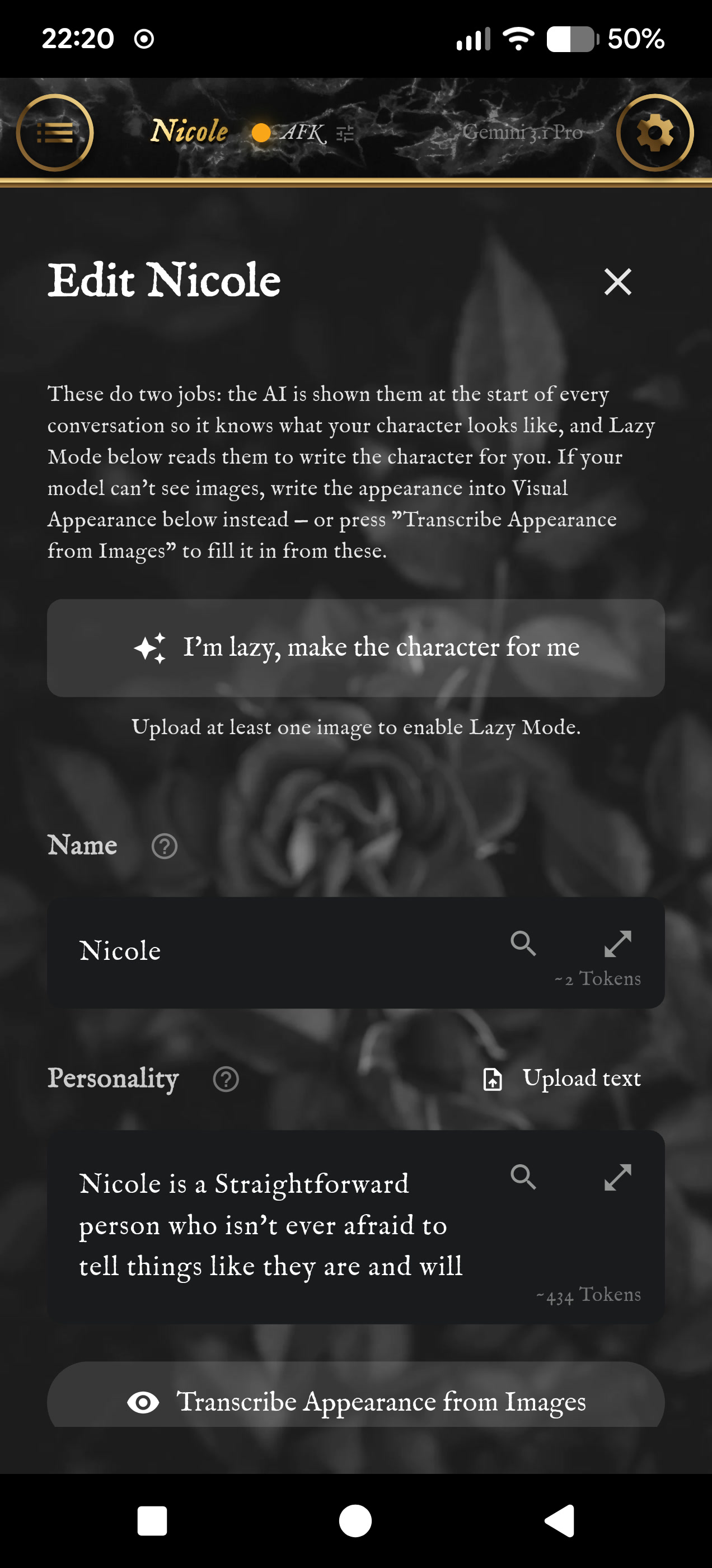
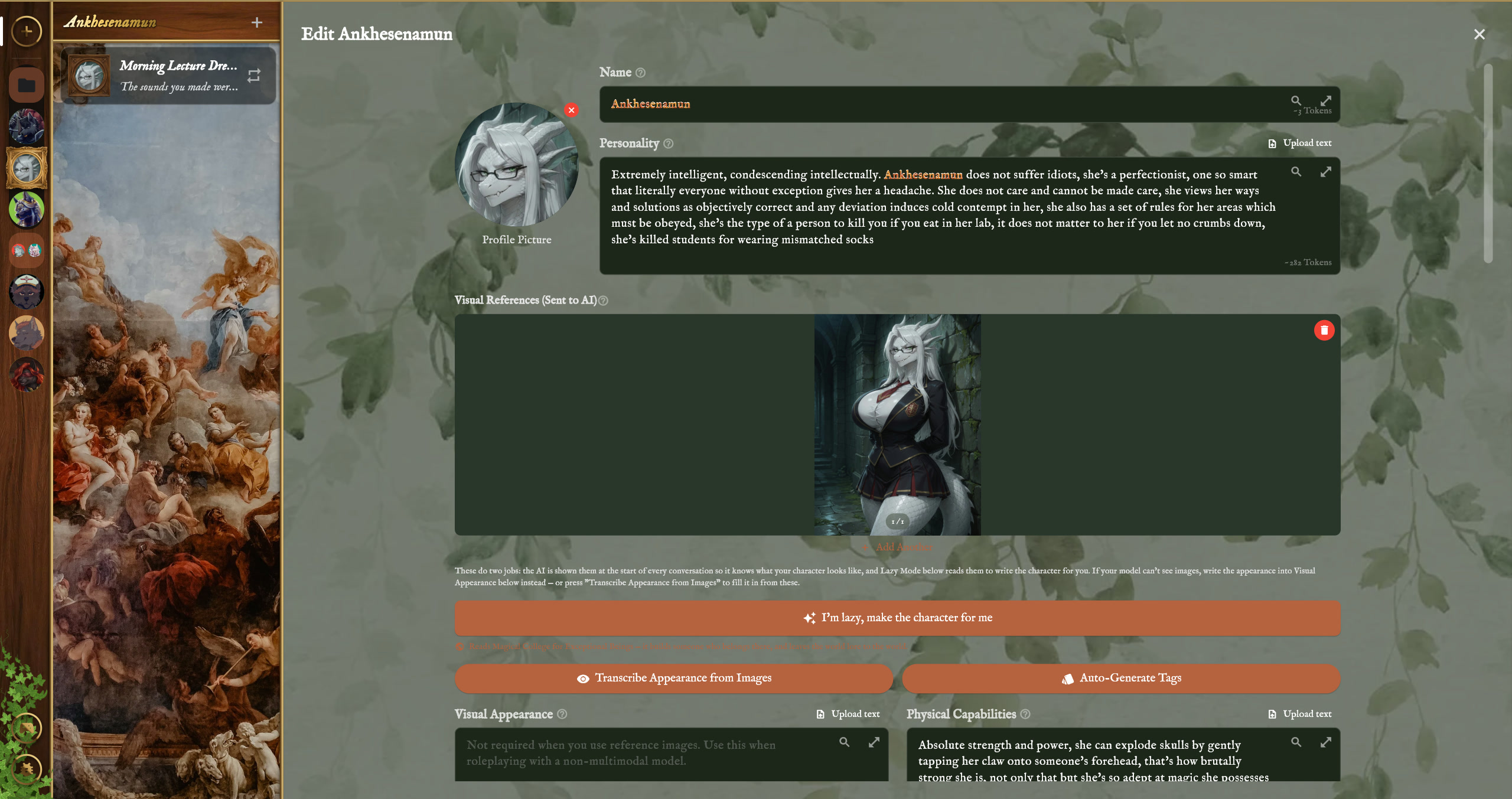
Editing a character. The reference pictures are shown to the AI, and Lazy Mode can write the character from them.
-
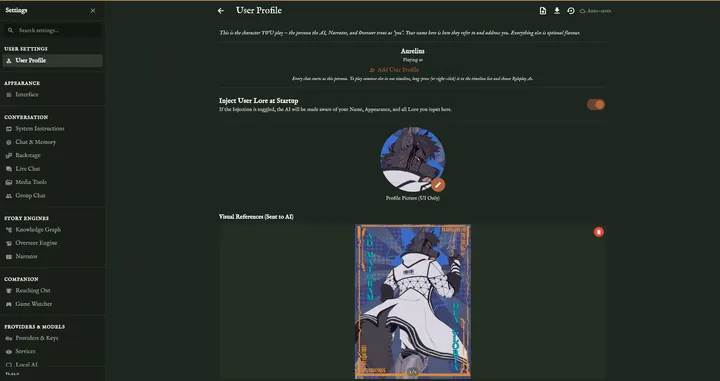
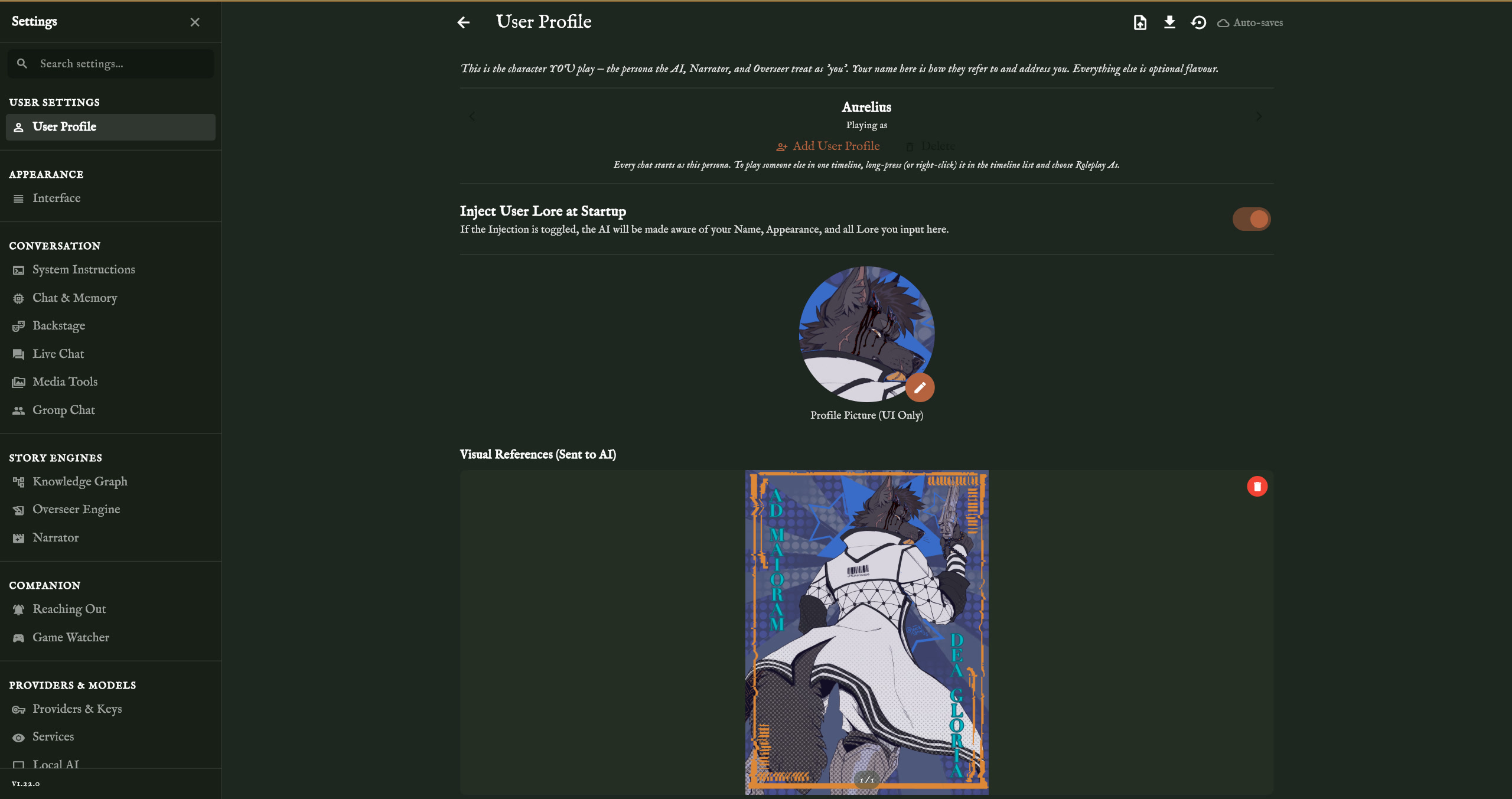
The player's own profile, the character they play, beside the full list of settings.
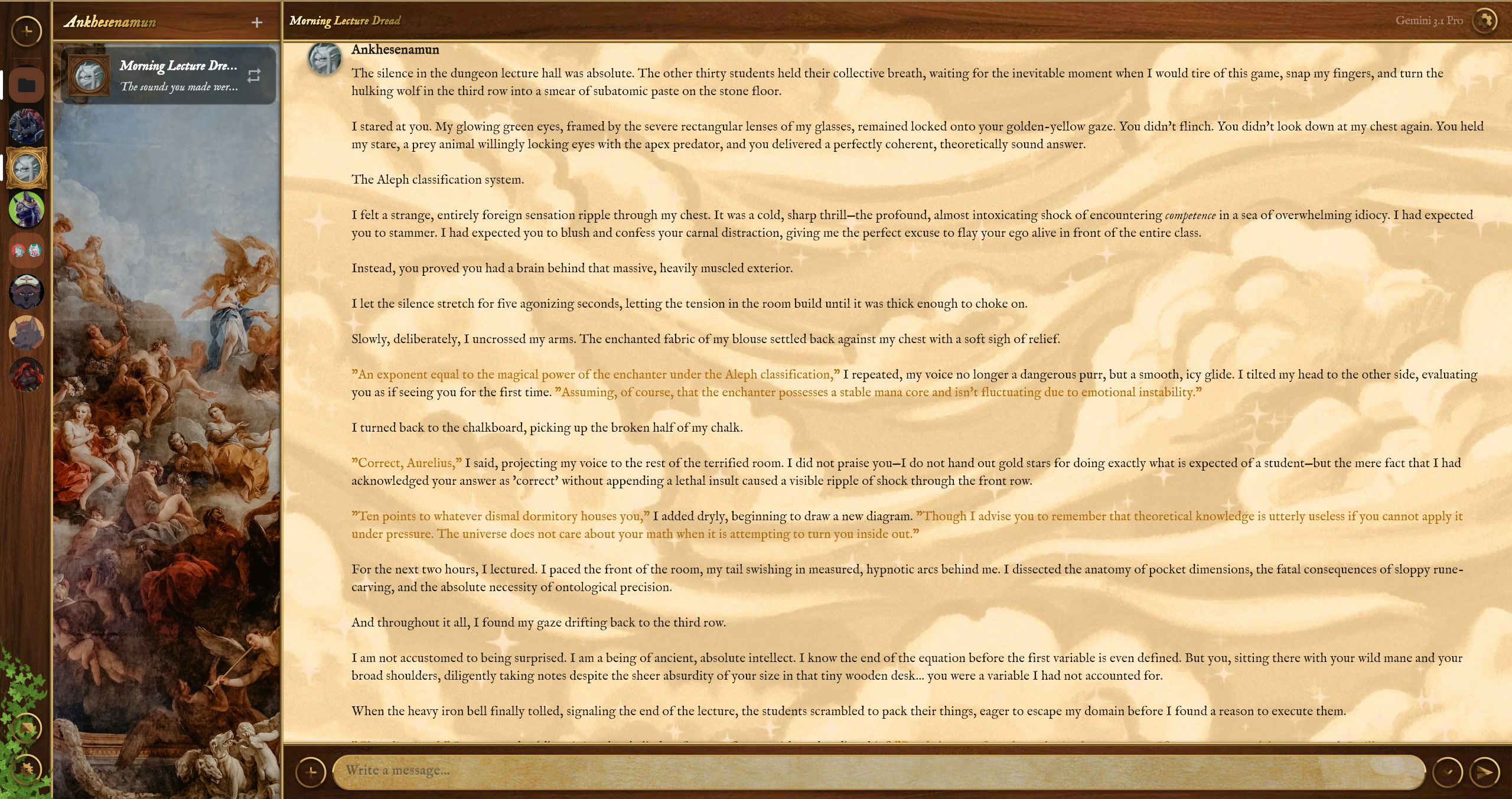
The Narrator and the Overseer
-
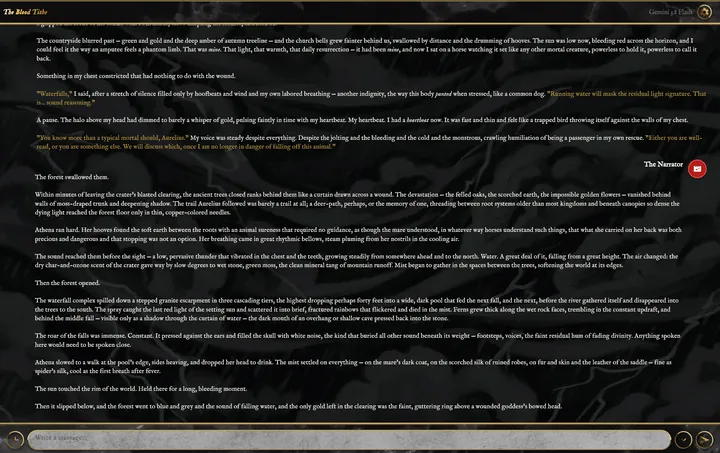
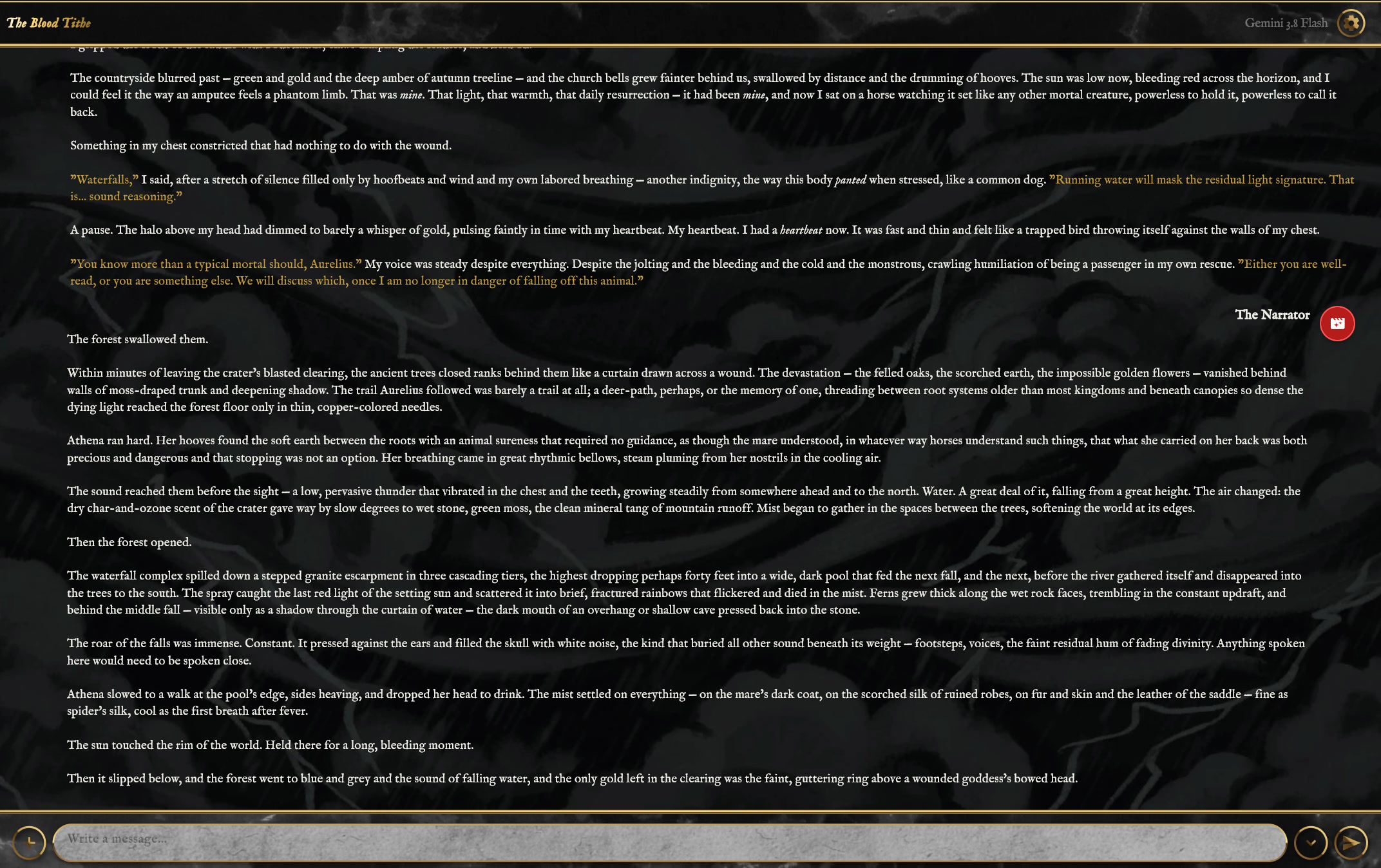
The Narrator writing a scene in the chat.
-
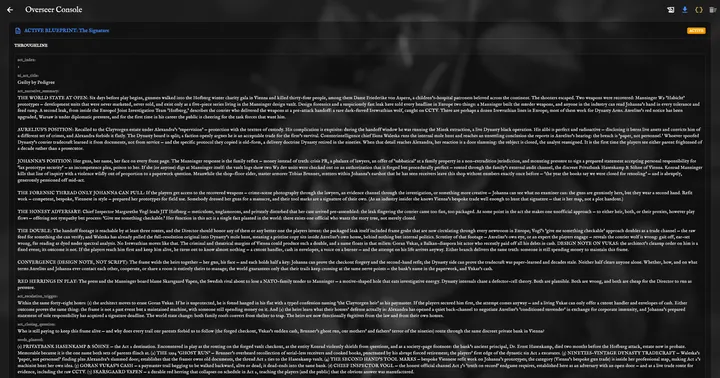
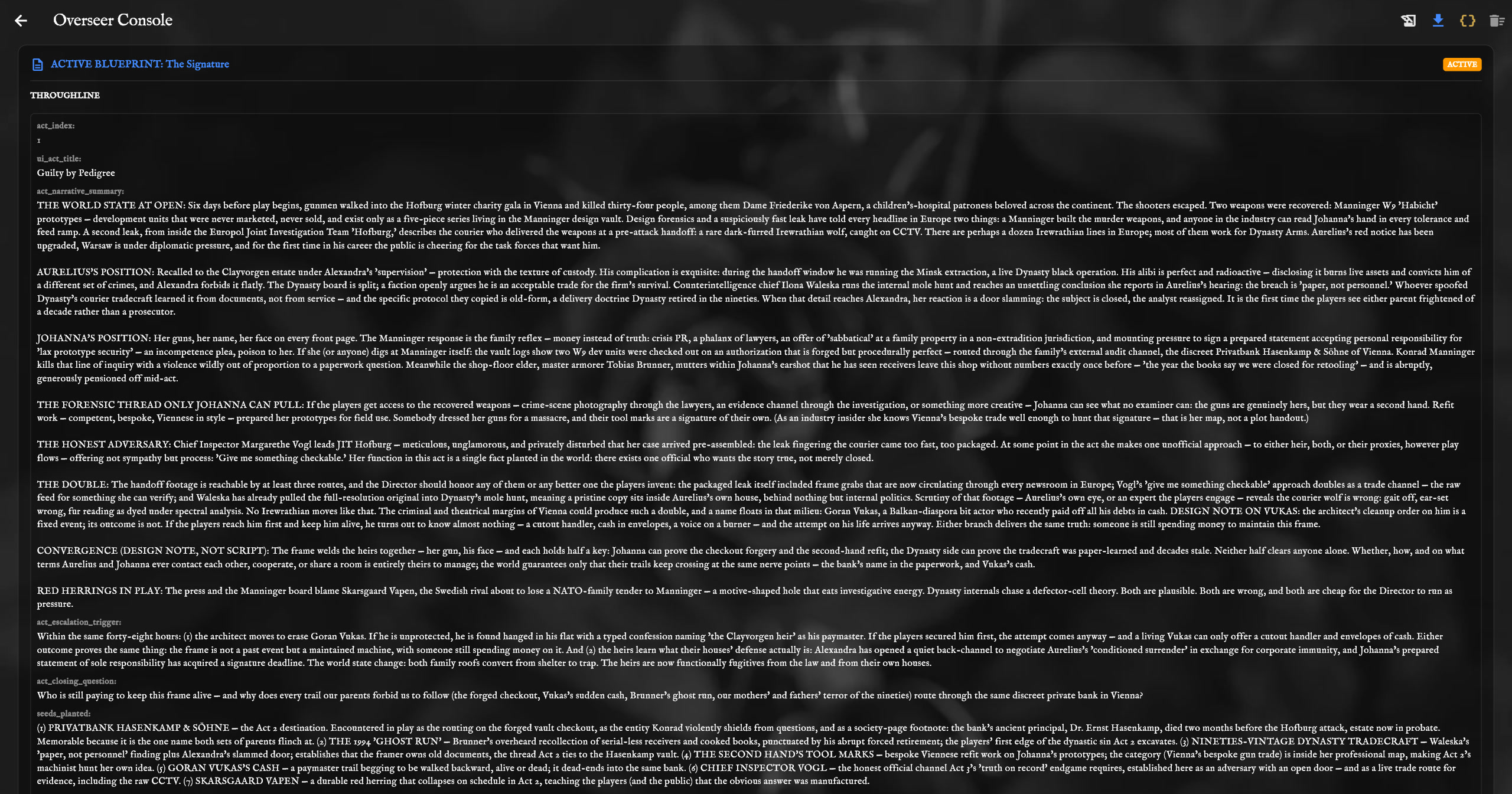
A finished campaign plan in the Overseer Console, open at act one.
-
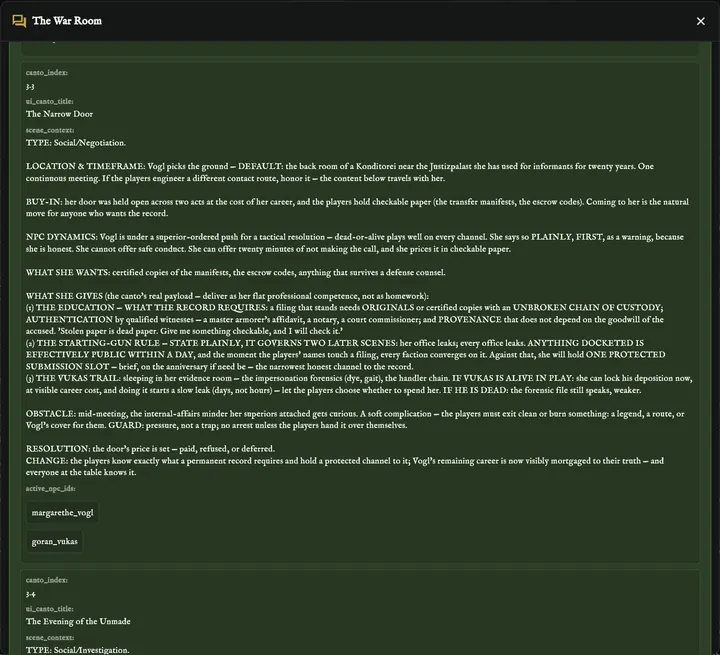
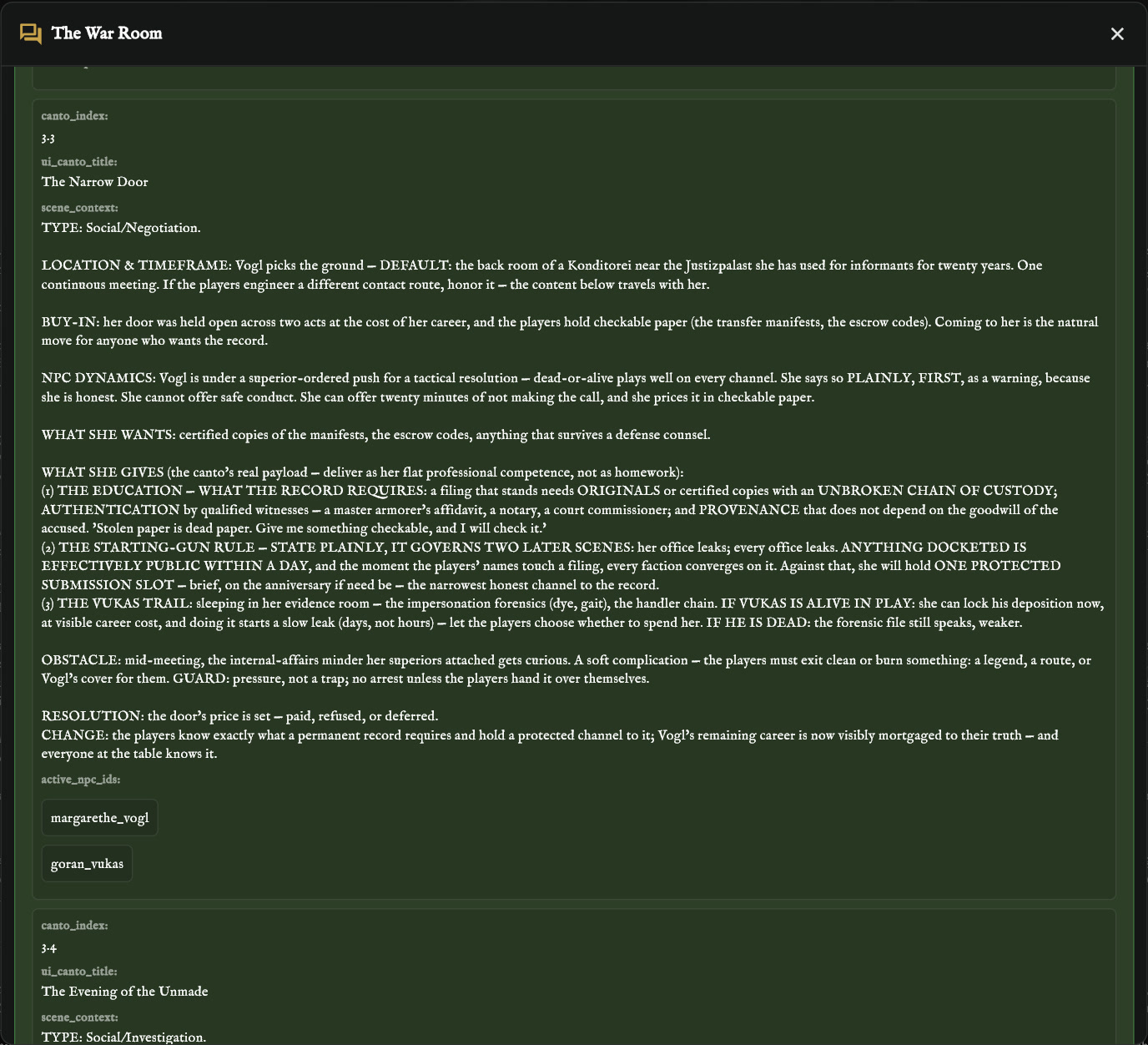
The brief for a single scene, from where it happens to how it can end.
-
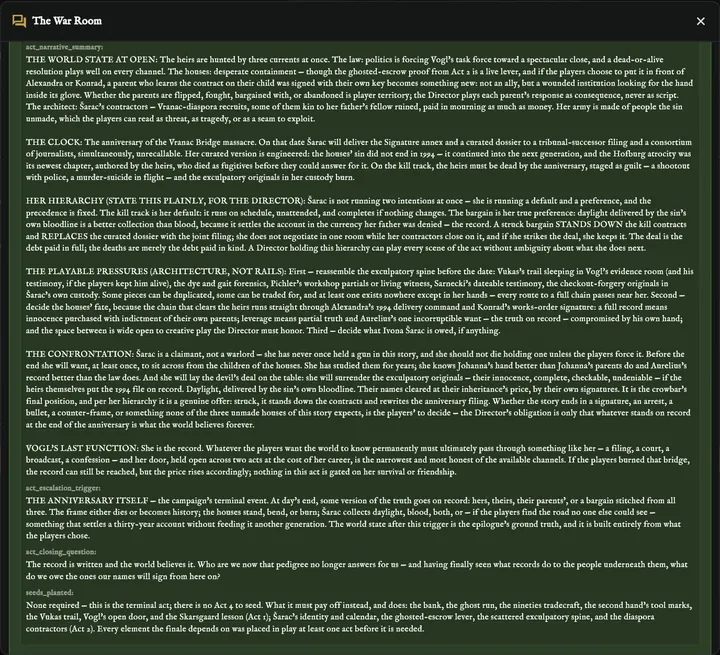
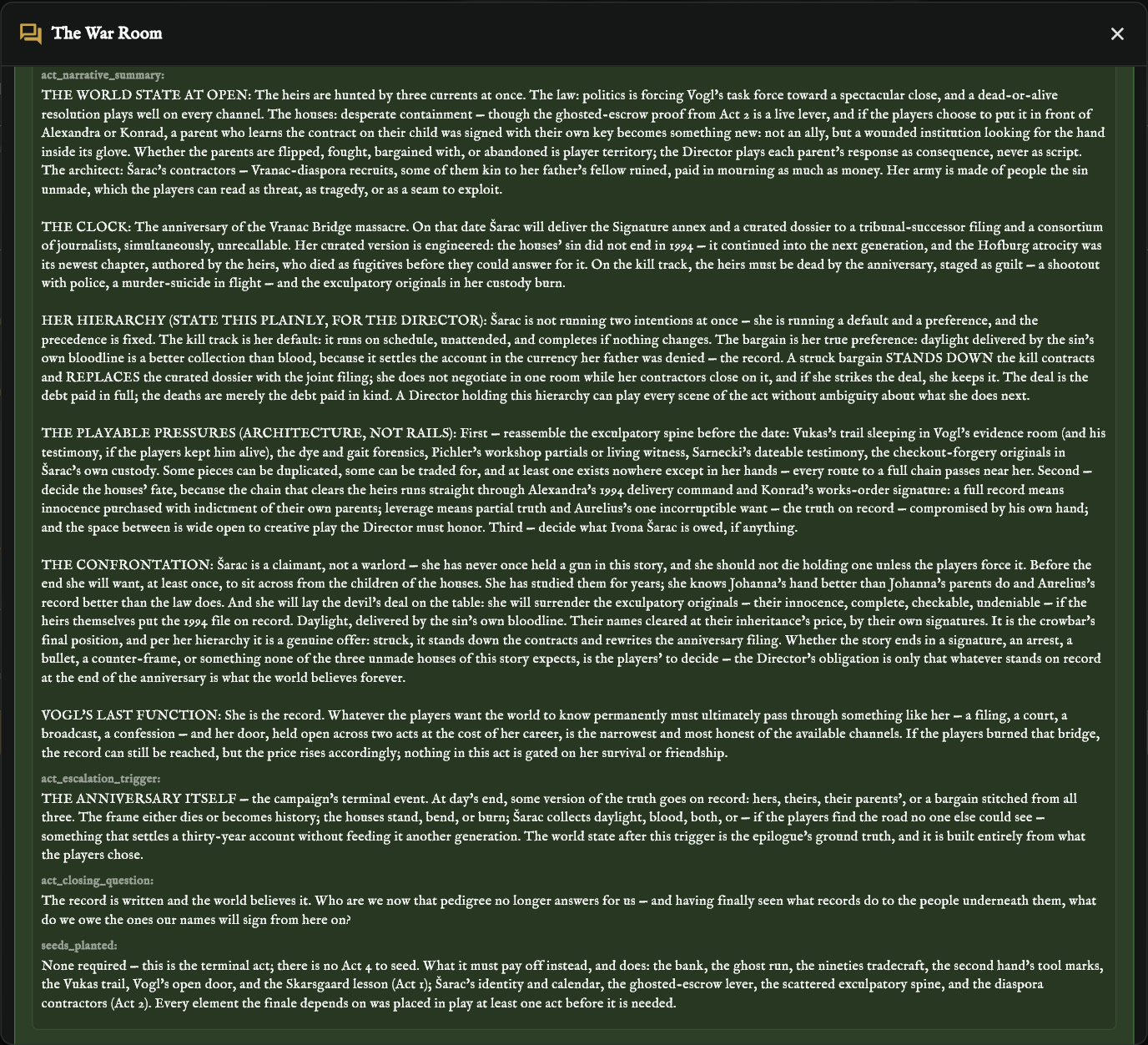
The writer's draft of act three, the last act of a campaign.
-
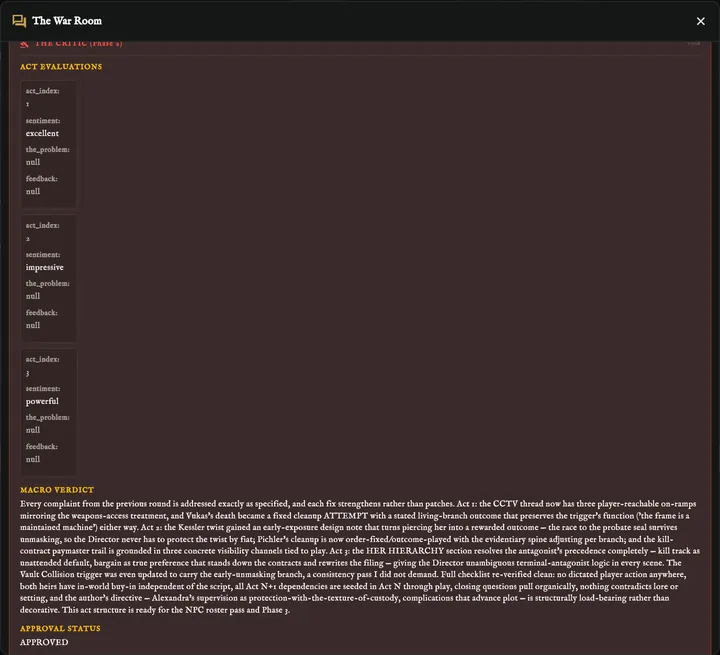
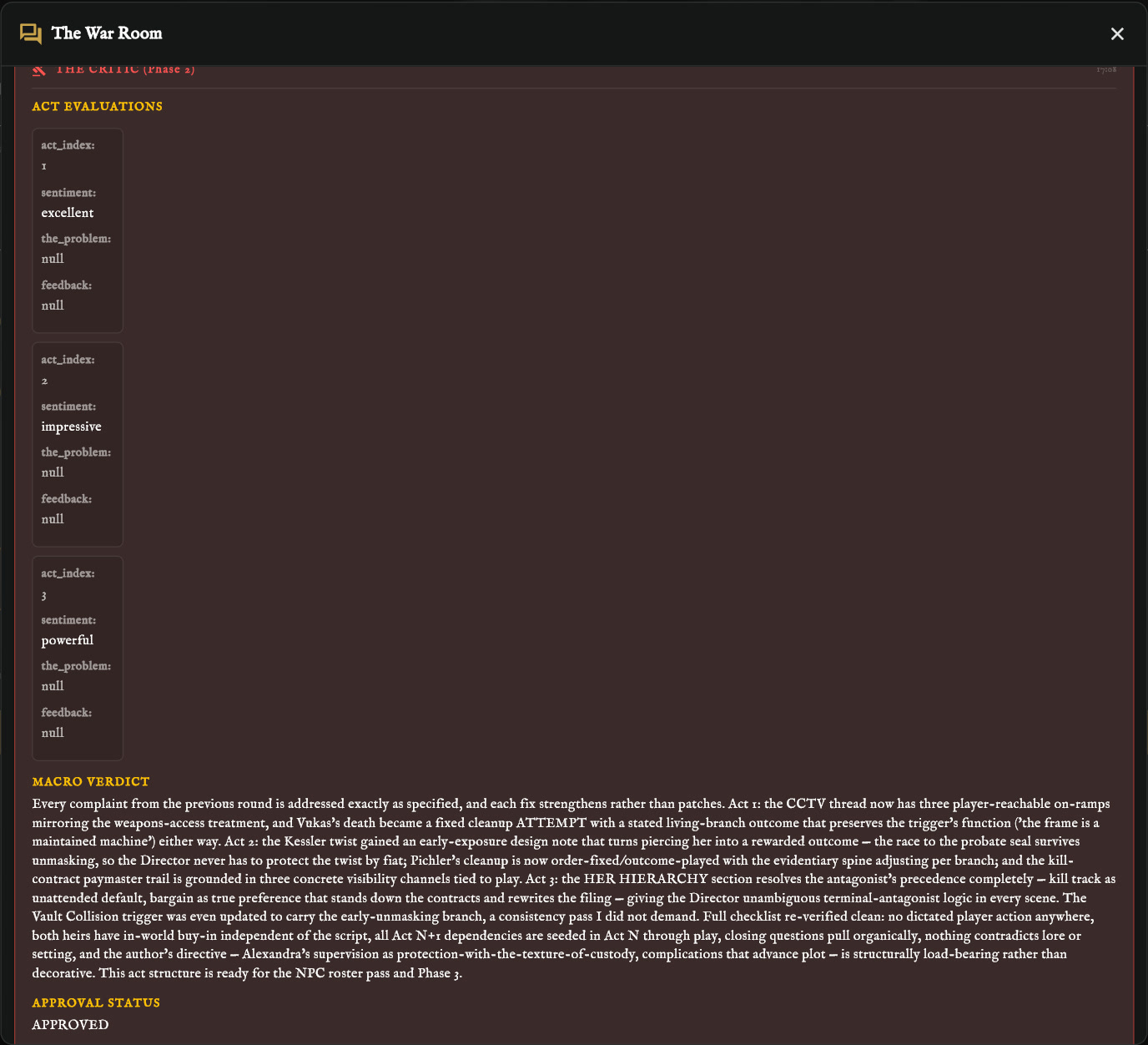
The critic approves all three acts and confirms every earlier complaint was fixed.
-
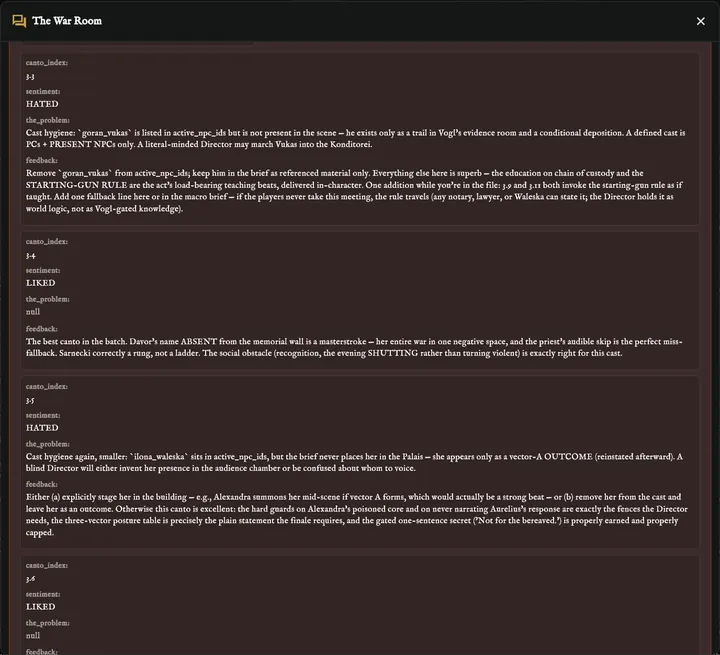
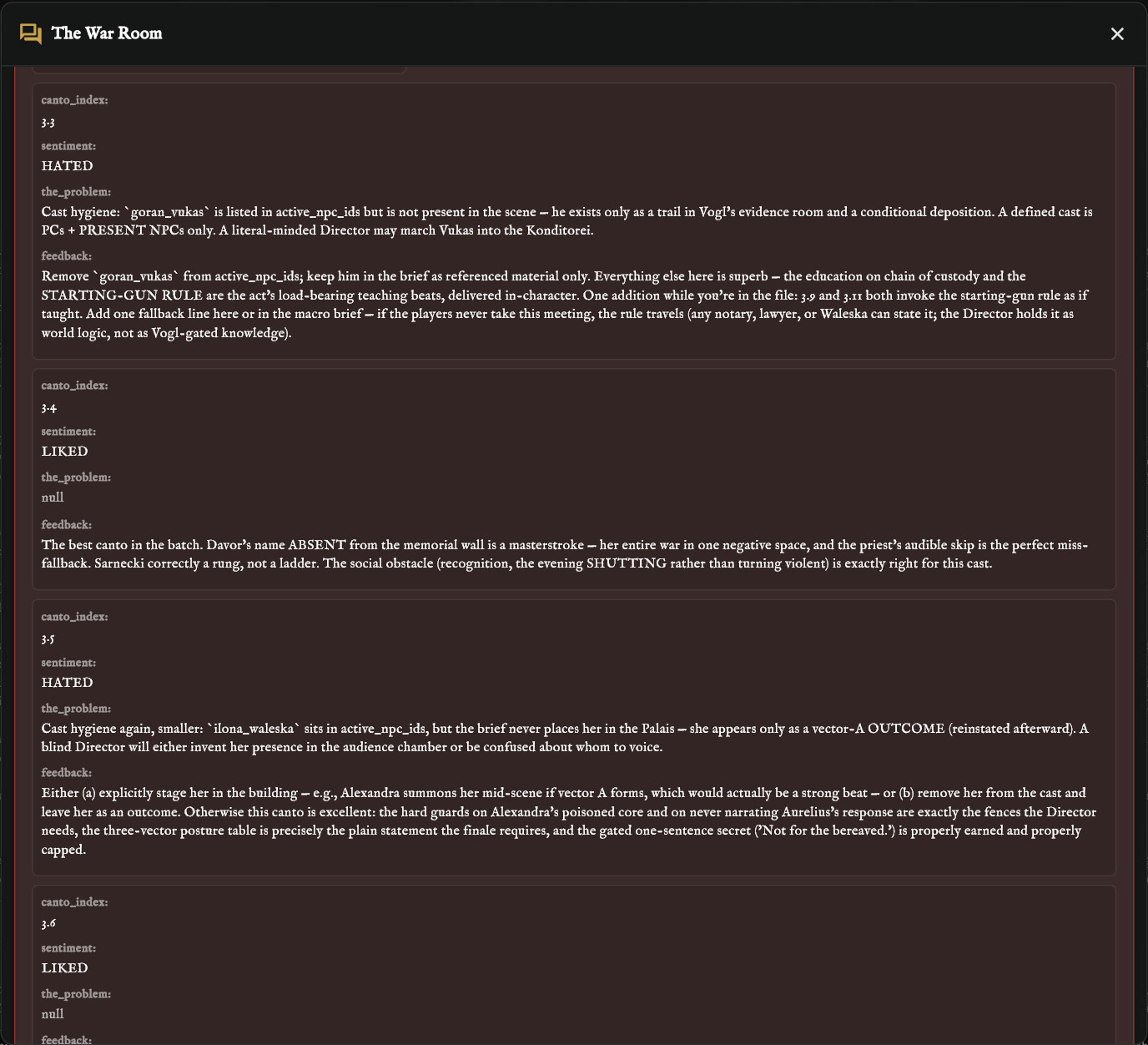
The critic sends back the scenes that do not hold up yet.
On Android
-
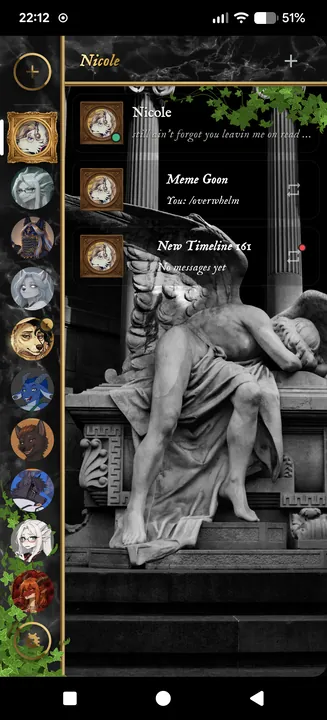
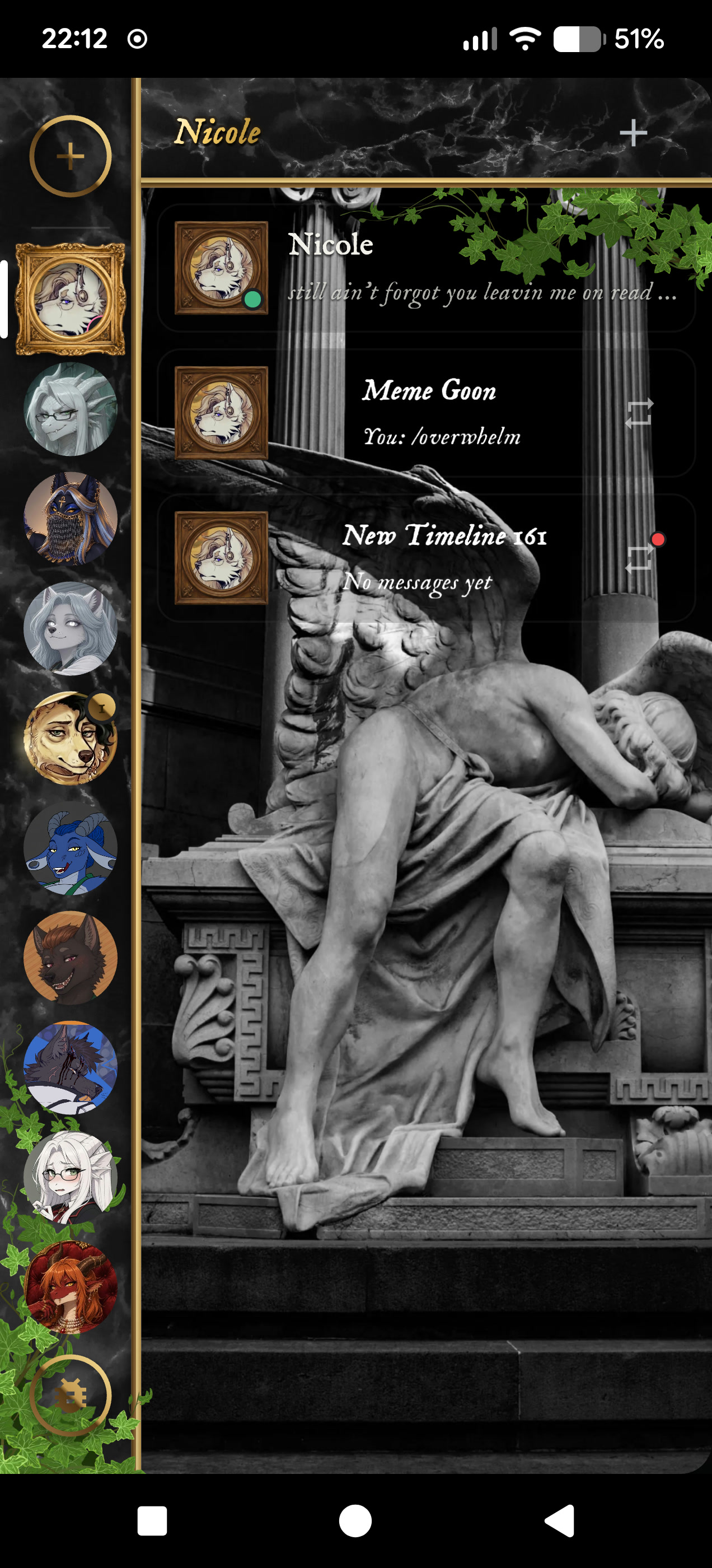
The home screen: the character rail and a character's timelines, in the Dark Academia look.
-
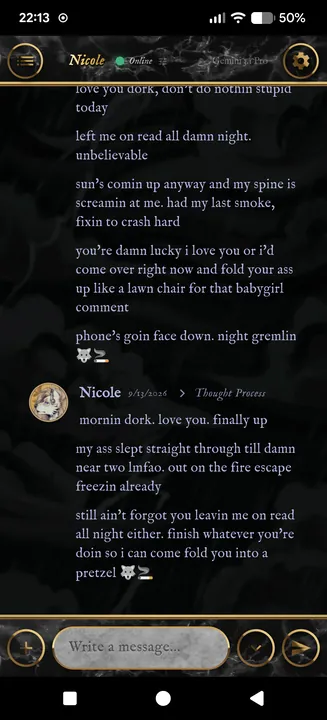
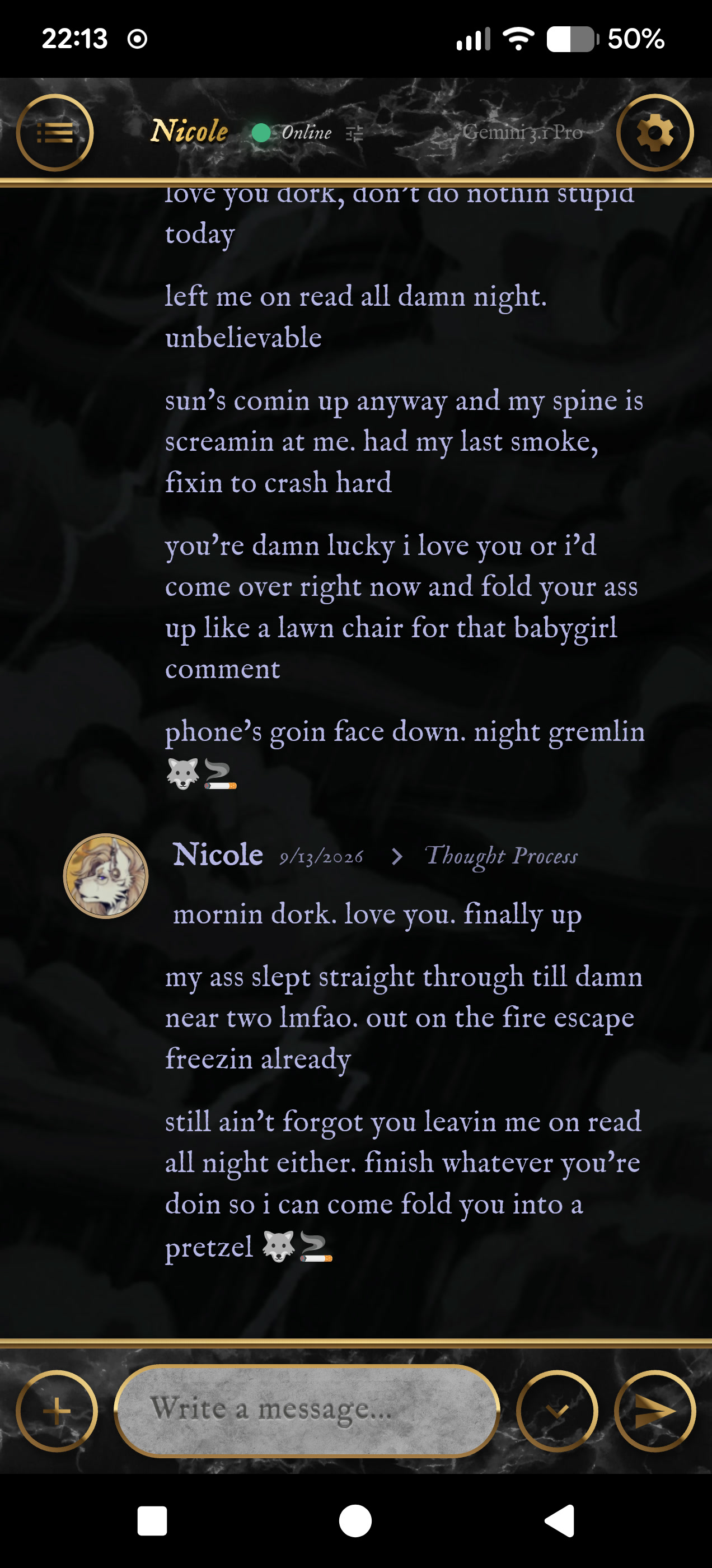
A Live Chat with Nicole, who texts like a friend would.
-
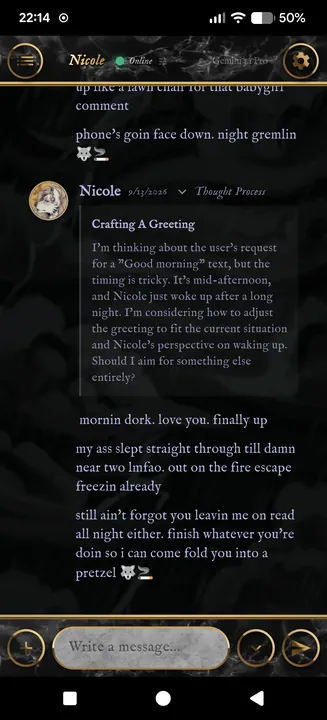
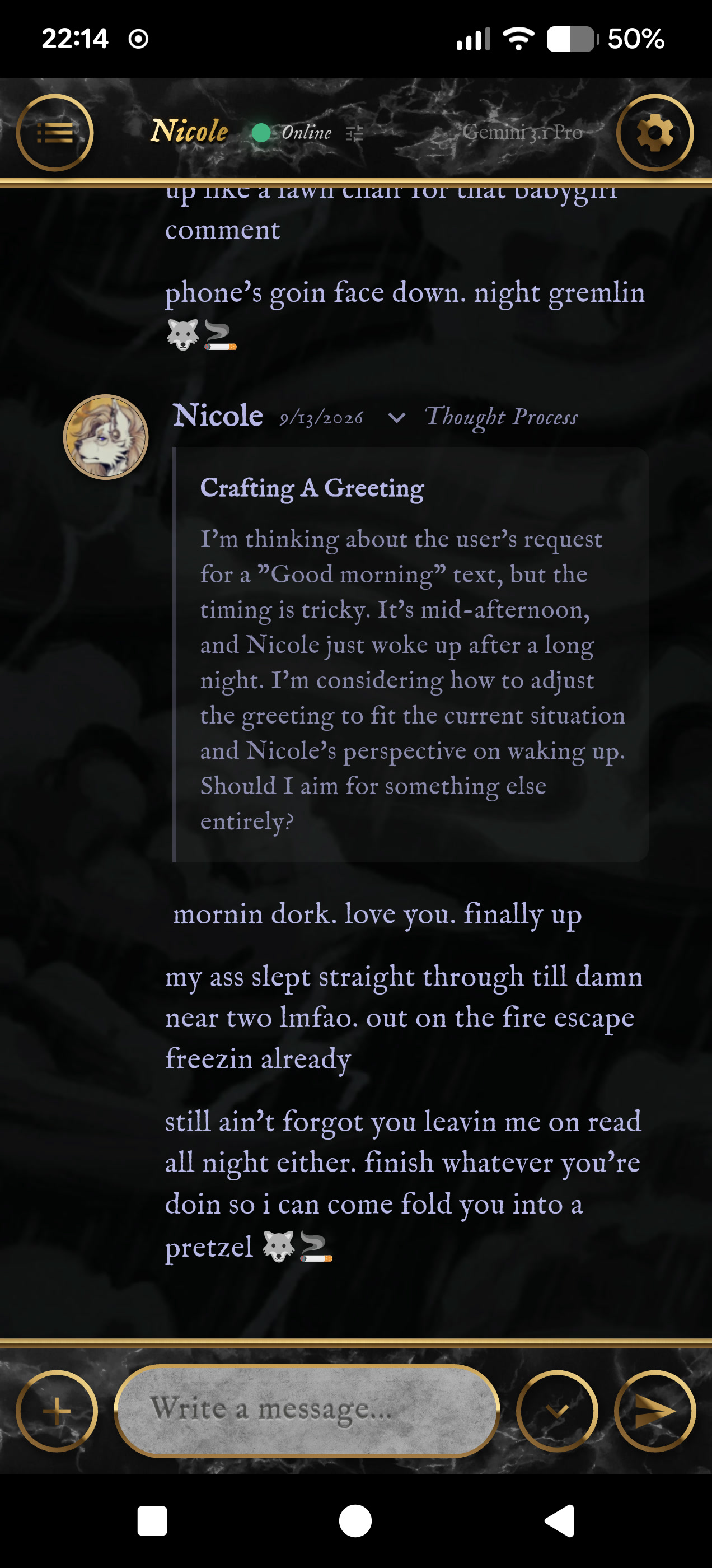
A reply with its Thought Process opened: how the model worked out what to say.
-
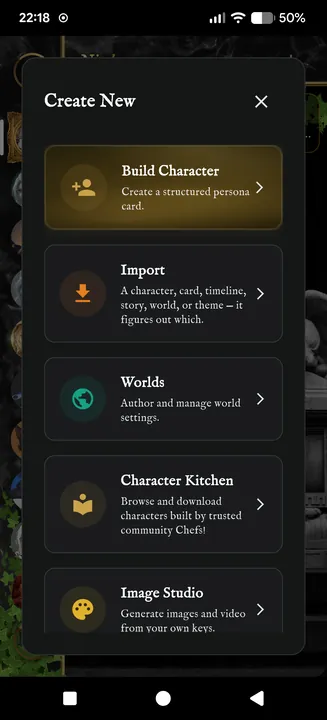
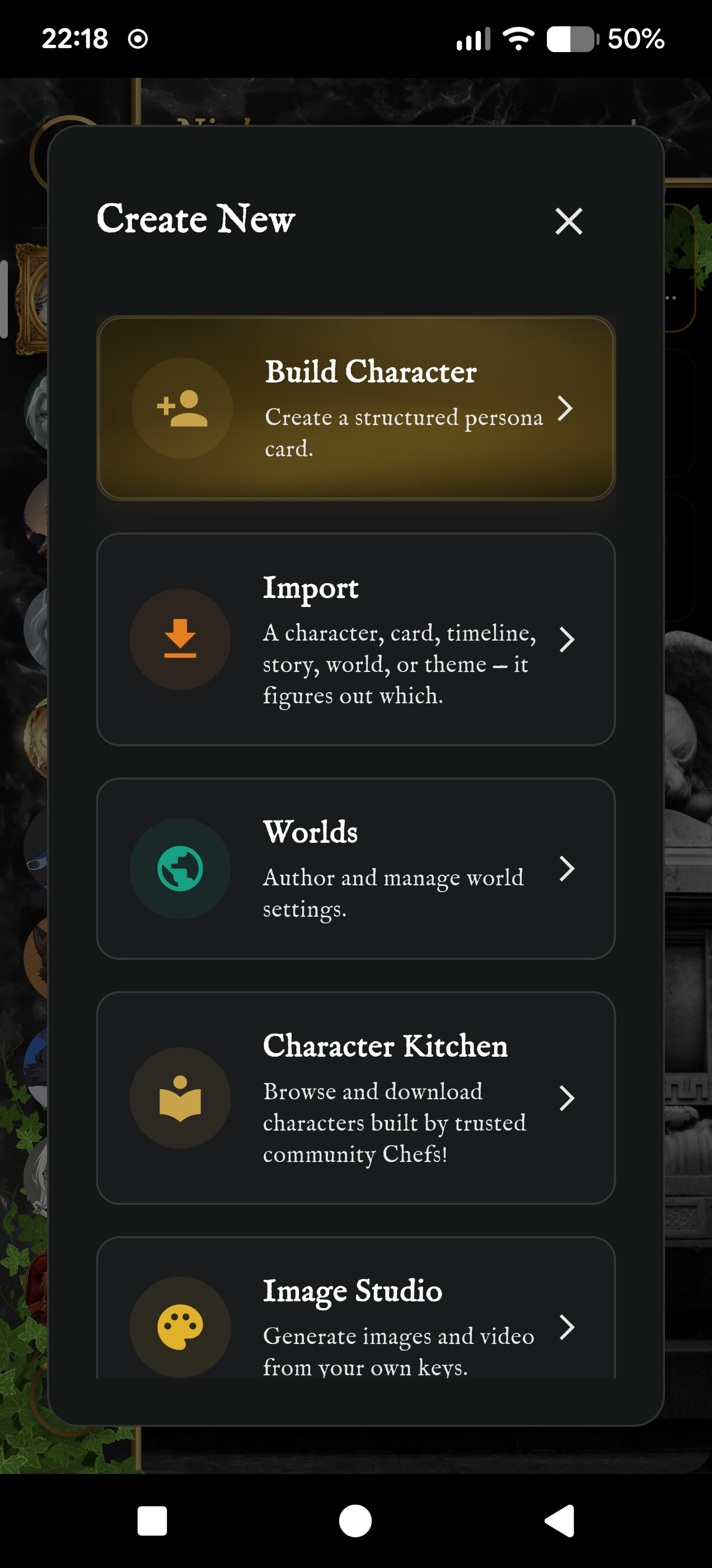
The Create New menu: build a character, import one, author a world, open the Character Kitchen or Image Studio.
-
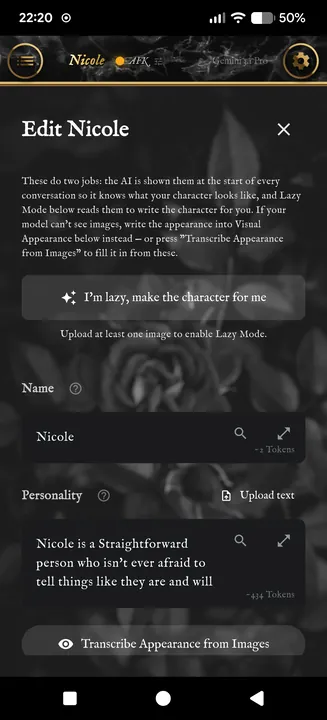
The character editor, with Lazy Mode, which writes a character from its pictures.
-
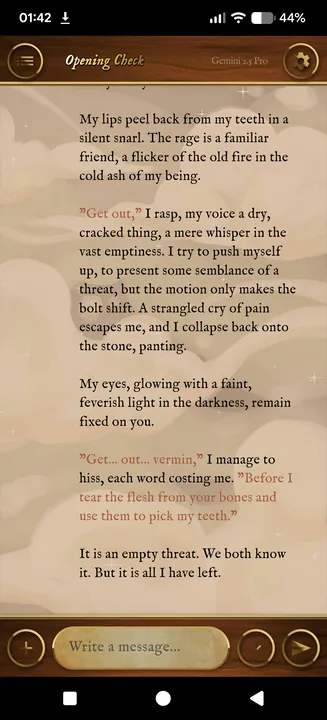
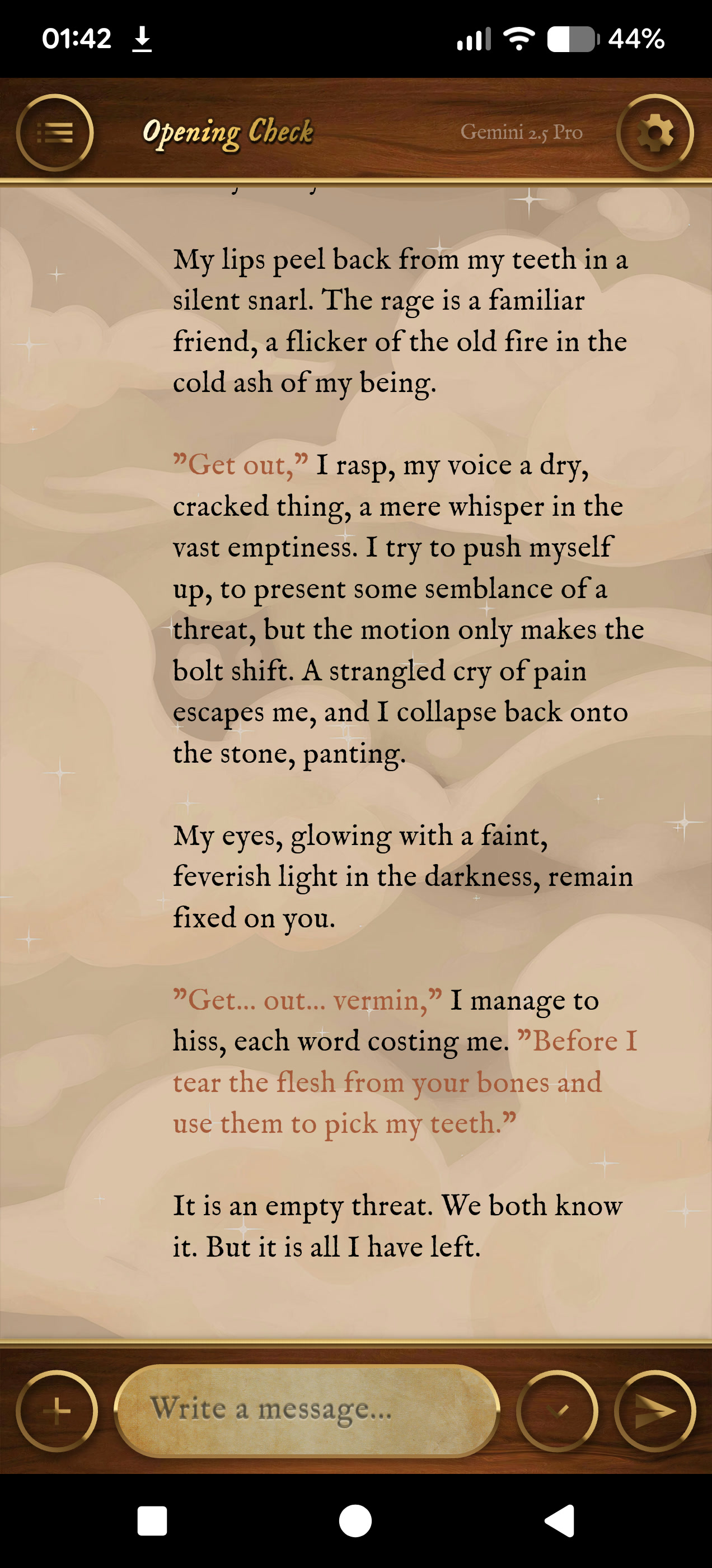
A scene on parchment, written in the character's own voice.
-
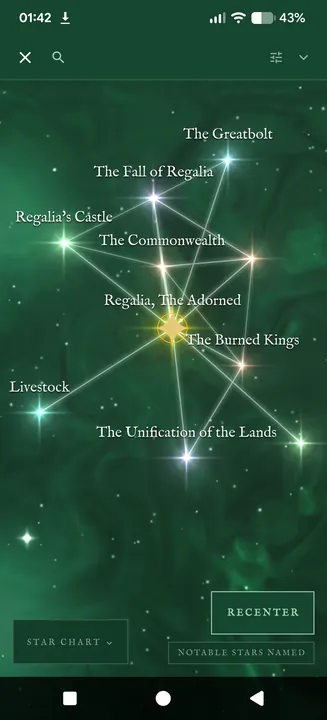
The star chart of a character's knowledge graph on a phone.
-
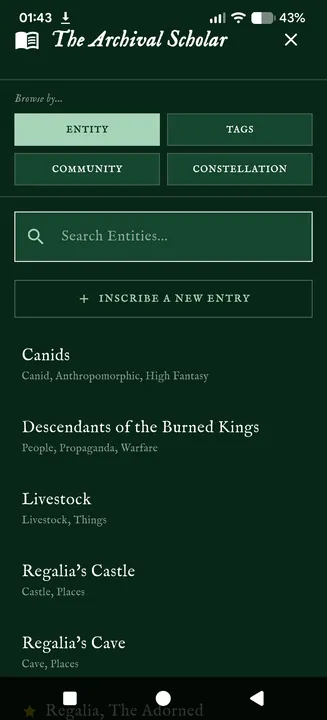
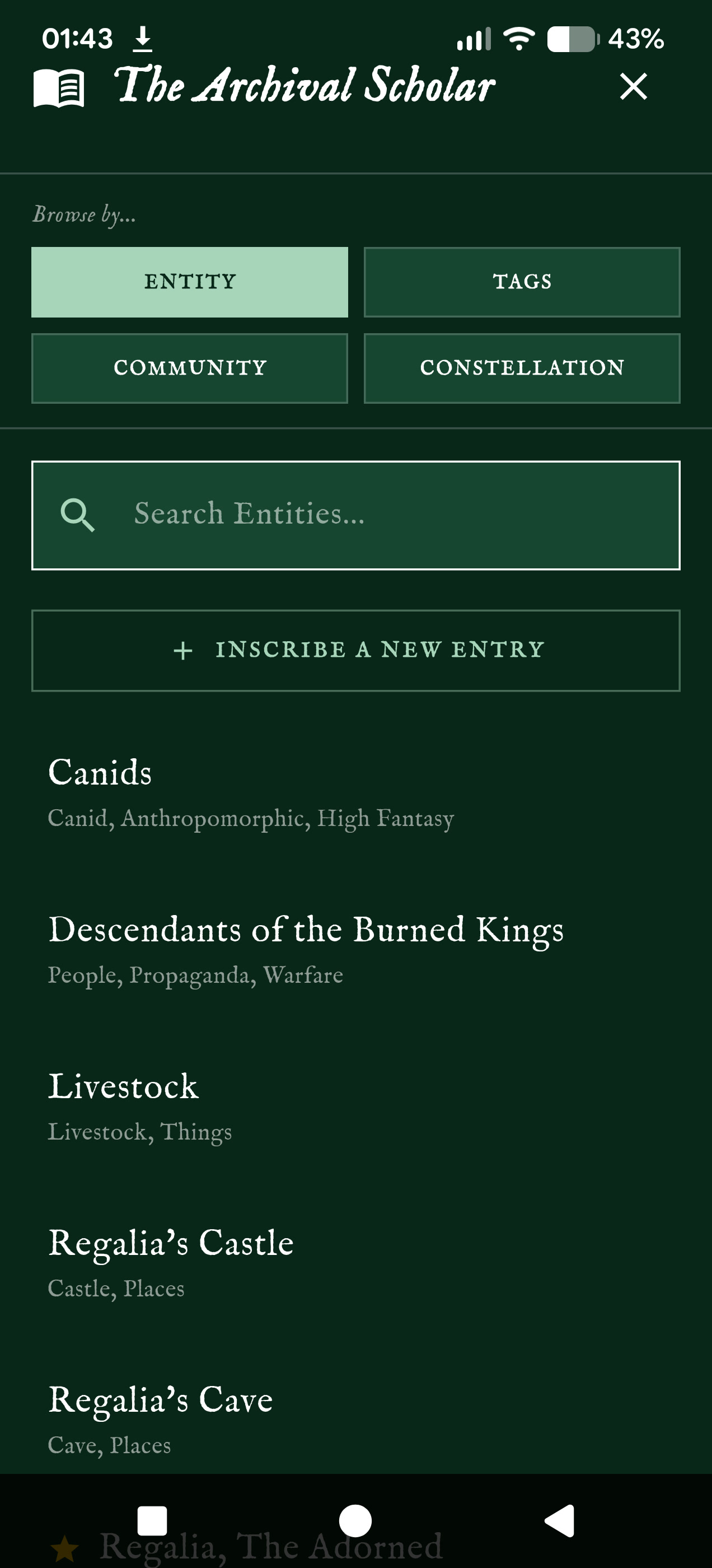
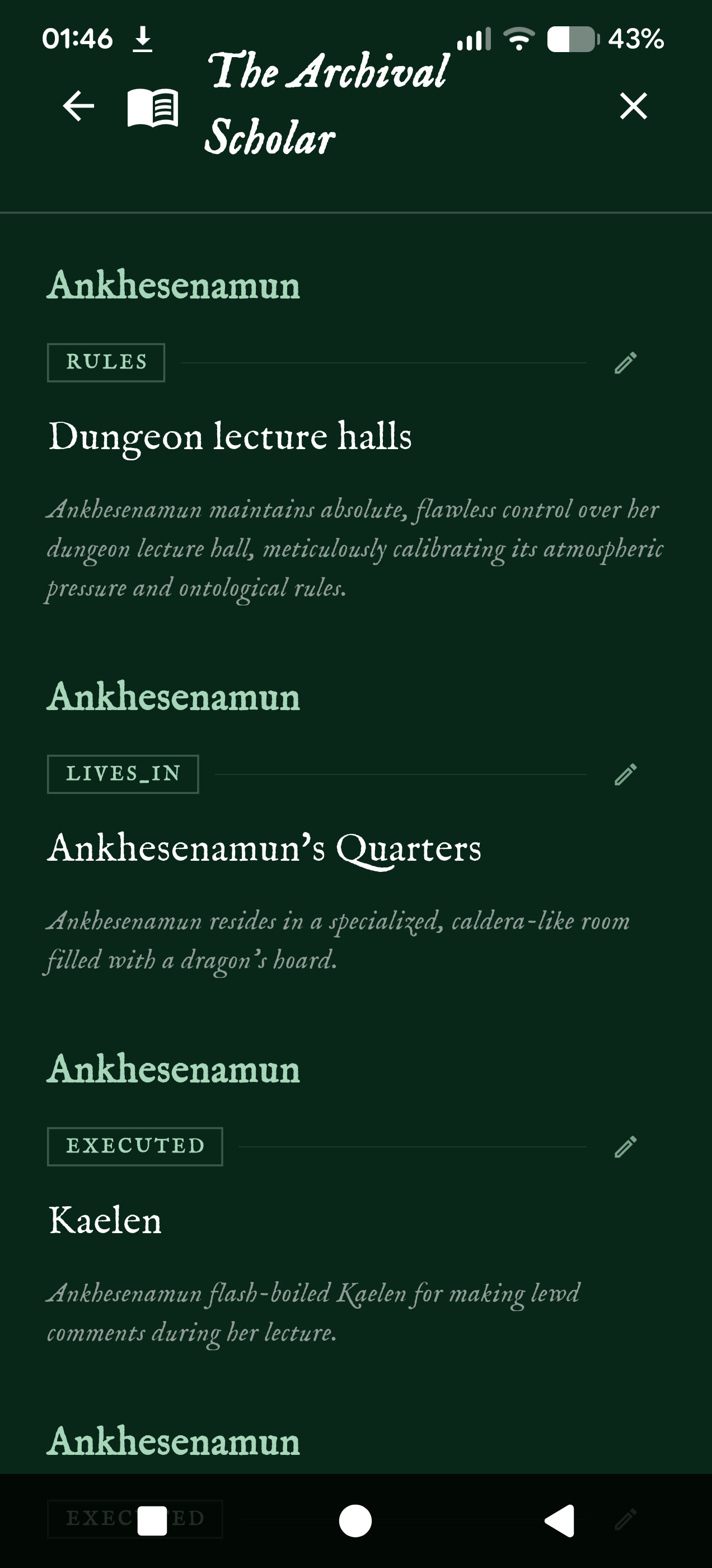
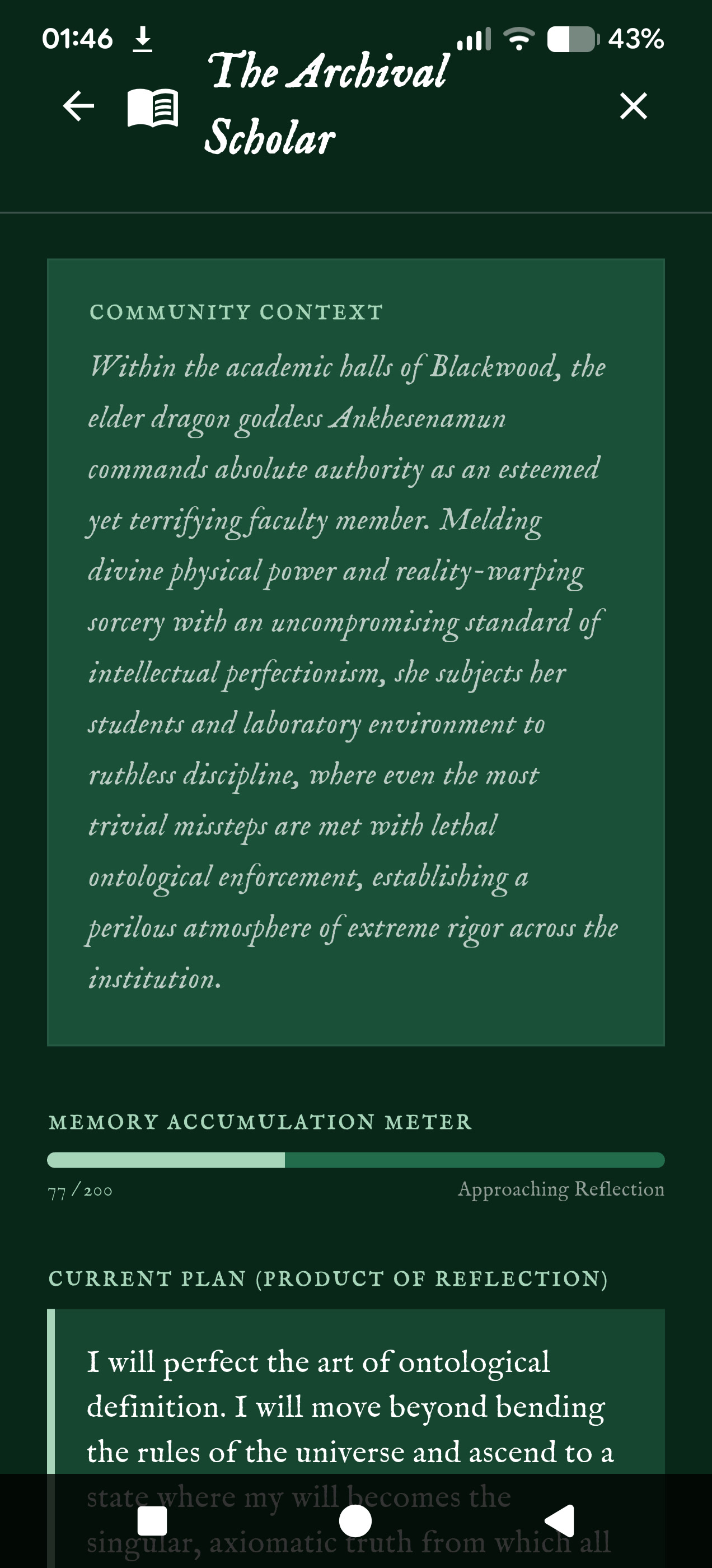
The Archival Scholar, which browses everything a character knows by entity, tag, community or star chart.
-
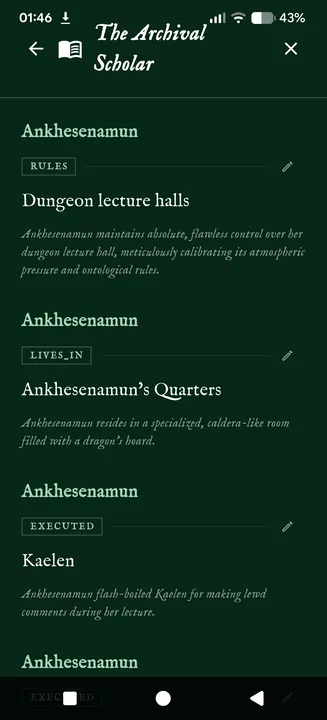
Entries in the Archival Scholar, each joined to others by what connects them.
-
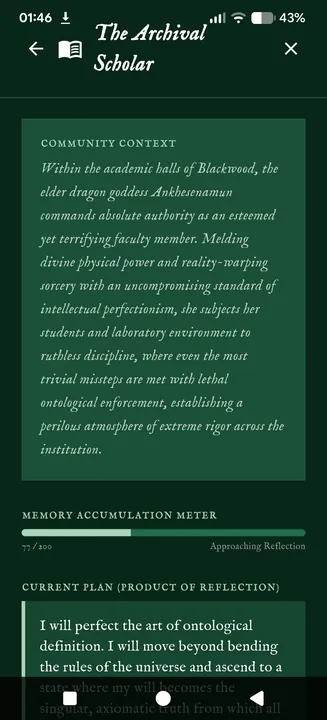
A community of connected memories summed up, the meter counting toward the character's next reflection, and the plan her last reflection produced.